Are Dash Cams Worth It? Honest Benefits and Trade-Offs

Yes, dash cams are worth it for many drivers because they can preserve a video record of a crash, road conflict, or parking event. They are most useful for commuters, rideshare drivers, and street parkers. They do not prevent crashes, prove fault by themselves, or guarantee an insurance payout.
A dash cam is worth buying when clear video could help explain what happened on the road or while parked. A simple front camera suits many drivers. Rear or cabin coverage helps in specific cases. The main limits are recording gaps, privacy concerns, added costs, and unsafe placement.
For everyday drivers, the real value is not the camera alone. It is having usable footage when memories, stories, or damage patterns do not tell the full story.
The camera must also work when you need it. That means correct placement, steady power, a healthy memory card, and a lens that is not blocked by dirt or glare.
In my view, a dash cam makes the most sense when you choose it for a clear reason. Buying the most expensive model without a plan can add cost without adding useful evidence.
What Does a Dash Cam Actually Do?
A dash cam records the view through one or more small cameras. Most models save short video files to a memory card. When the card fills, the camera may overwrite older, unprotected clips. Exact recording behavior depends on the model and settings.
Many cameras can save a clip after a sudden impact. Some also record while the car is parked. Parking recording may need a hardwire kit, an on-board diagnostics port cable, or a separate battery pack.
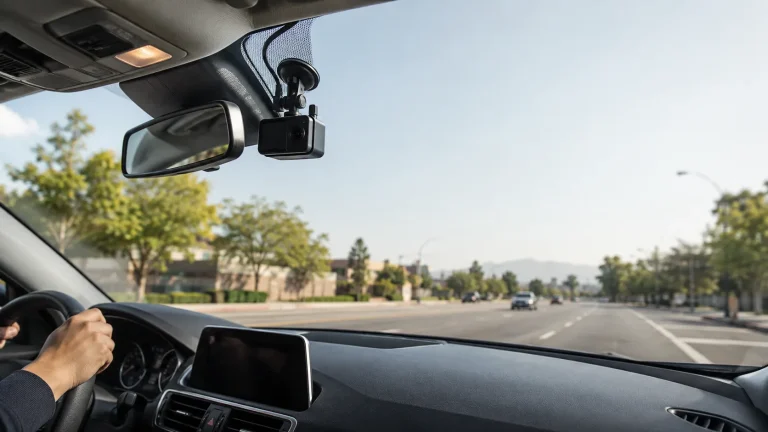
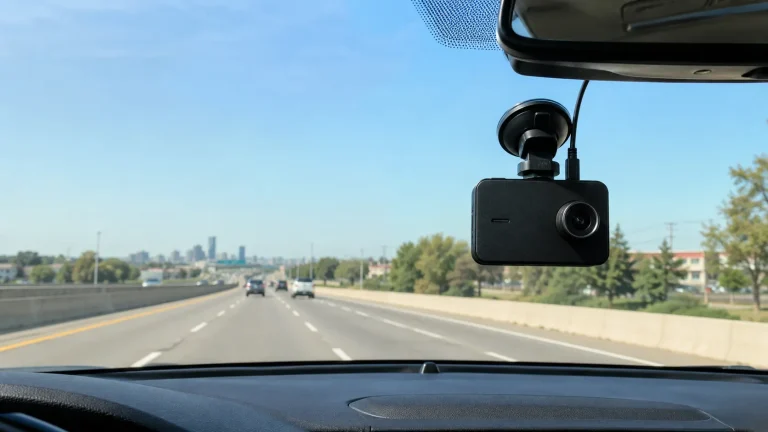
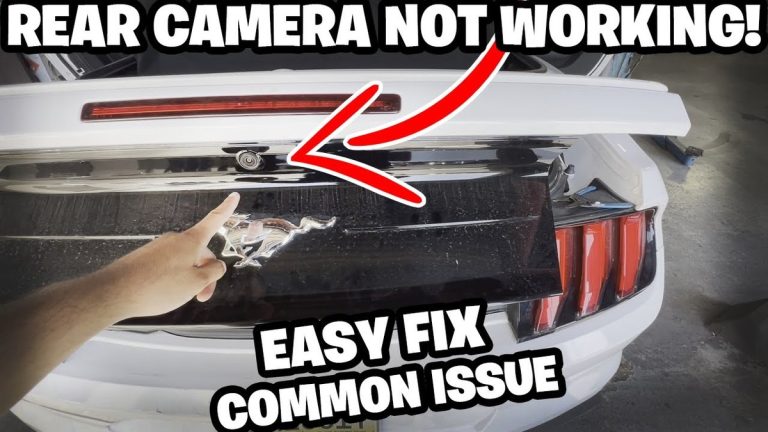
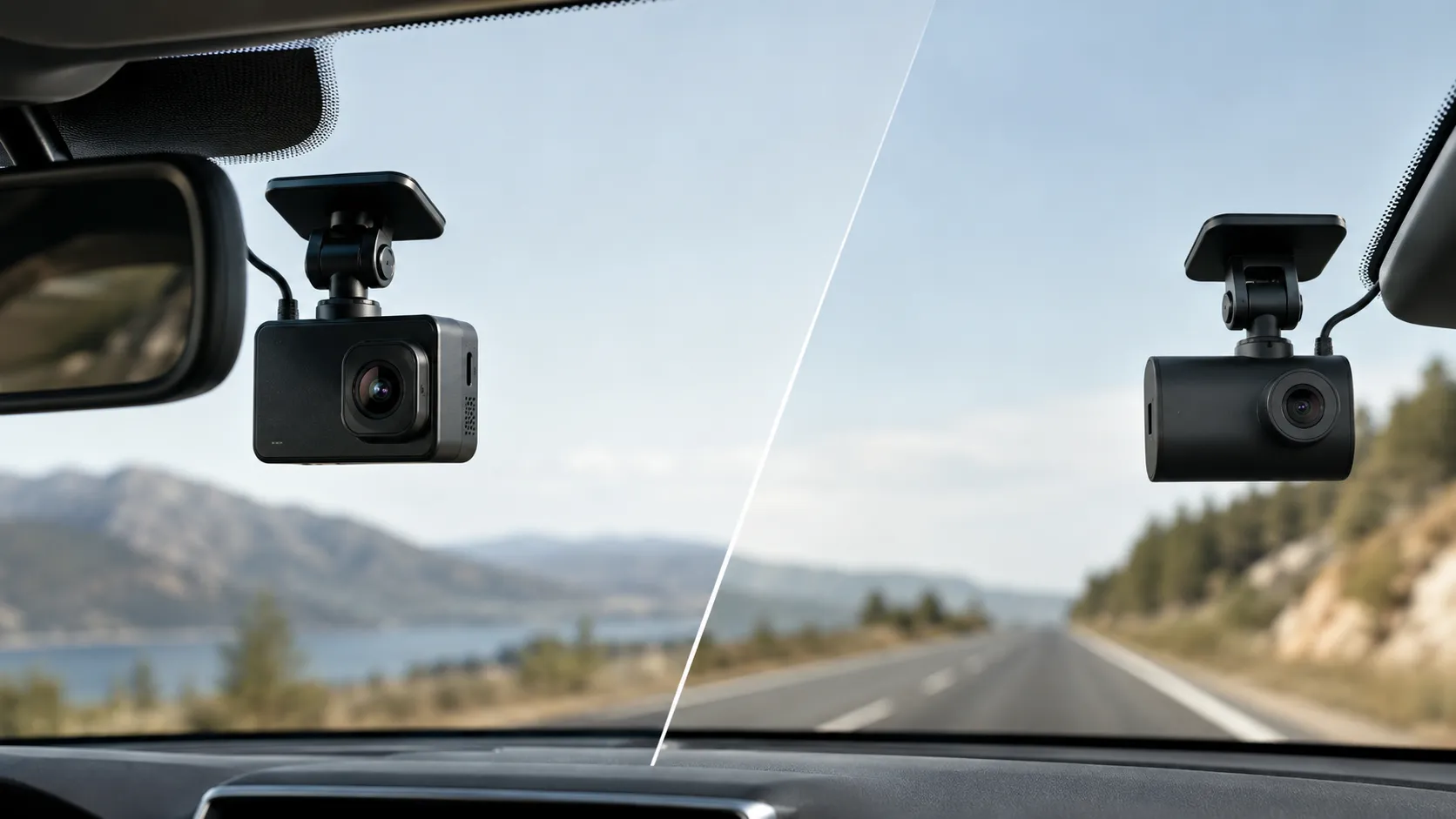
A front camera shows the road ahead. A rear camera records behind the vehicle. A cabin camera records people inside the car. Each added view raises the price, storage use, installation work, or privacy risk.
When Are Dash Cams Worth It?
Dash cams offer the strongest value when you drive often, park in public, carry passengers, or want a neutral record of road events. Their value is lower when the camera is rarely maintained or cannot capture the area that concerns you.
| Driver or owner | Possible value | Main limitation |
|---|---|---|
| Daily commuter | Records road incidents | Front view may miss sides |
| Rideshare driver | Road and cabin record | Passenger privacy concerns |
| Street parker | Parking-event footage | Needs suitable power setup |
| Road-trip driver | Records long journeys | Creates many video files |
| Family vehicle | Documents shared-car events | Drivers must know controls |
| Low-mileage driver | Limited occasional value | May not justify premium cost |
They Can Help Explain a Crash
Footage may show traffic lights, lane position, braking, vehicle movement, weather, or the order of events. This can help an owner explain a claim or provide information to an attorney or police officer.
Video is still only one piece of evidence. A camera may miss the first impact, hide speed through perspective, show the wrong time, or lack audio. An insurer, court, or investigator may also consider statements, damage, road marks, reports, and other records.
They Can Help While Parked
Parking mode can be useful for owners who use public garages or street parking. It may record motion, an impact, or a short event while the engine is off.
It does not watch every angle unless the system has several cameras. It may also stop recording because of heat, low battery voltage, a full card, or a power setting. Check the camera maker’s parking-mode instructions before relying on it.
They Can Suit Rideshare Work
A front-and-cabin system may document road events and activity inside the vehicle. This can help clarify some passenger disputes or safety concerns.
Cabin recording also creates a larger privacy duty. Audio laws, notice rules, and consent requirements can vary. Drivers should check current state rules and platform policies before recording passengers.
What a Dash Cam Cannot Do
A dash cam is a recording tool, not a crash-prevention system. It cannot replace careful driving, safe following distance, working mirrors, or attention to the road.
- It cannot guarantee a readable license plate.
- It cannot prove fault in every case.
- It cannot guarantee an insurance payment.
- It cannot record an area outside its view.
- It cannot help if power or storage fails.
- It cannot protect a stolen camera or memory card.
How Much Value Do You Get for the Cost?
Current US retail examples checked July 27, 2026 range from about $50 for basic cameras to about $500 for advanced multi-camera bundles. Sales and marketplace listings can change fast. See the current Best Buy dash camera listings for live examples.
A $100 to $250 budget is a practical starting point for many owners. It can cover a better front camera or a basic front-and-rear system. Premium systems may add cabin recording, connected services, larger cards, or more advanced parking features.
Professional installation is another cost. Best Buy currently lists front dash camera installation at $99.99 and front-and-rear installation at $149.99. Vehicle-specific parts and nonstandard labor may cost more. Check the current vehicle-camera installation prices.
Prices may change. Always compare the full setup, not just the camera box.
Hidden Costs and Ownership Work
The part many owners overlook is upkeep. A dash cam can appear to be working while its storage has failed or its lens is dirty.
| Extra | Why it may be needed | What to check |
|---|---|---|
| Memory card | Stores video files | Approved type and capacity |
| Hardwire kit | Supports hidden power | Low-voltage protection |
| Rear-camera labor | Routes a long cable | Liftgate and airbag path |
| Cloud plan | Adds remote features | Monthly fee and limits |
| Replacement mount | Fixes loose placement | Heat and glass condition |
| Owner time | Keeps recording reliable | Files, firmware, and lens |
Our car electronics guide covers more cameras, power accessories, and in-car devices. Owners planning a clean cable route can also review our tools and garage gear.
Installation and Compatibility Matter
A plug-in front camera is often the simplest setup. A rear camera or parking-mode hardwire setup takes more planning. Cable paths may pass near side-curtain airbags, moving trim, a liftgate, or seat tracks.
Check: Confirm the power plug, vehicle voltage, memory-card support, cable length, app requirements, windshield space, and hardwire method. Limitations: Large sensor housings, heated glass, steep rear windows, liftgates, airbags, and factory camera systems can affect placement.
Are Dash Cams Legal?
Dash cams are sold and used across the United States, but mounting and recording rules can vary by state. Windshield-obstruction rules, audio consent laws, and passenger-notice duties are not the same everywhere.
Mounting rules can change. A legal position in one state may not be legal in another. Cabin audio can create a separate issue from video recording.
For emergency equipment that complements safe driving rather than recording it, visit our safety gear guide.
Pros and Cons
- Creates a visual record of some events
- Can cover road, rear, cabin, or parking areas
- May reduce uncertainty after an incident
- Can move to another vehicle in many cases
- Cannot guarantee useful evidence
- Adds purchase, storage, and installation costs
- Can create mounting and distraction risks
- May record sensitive passenger or location data
Who May Not Need One?
A premium dash cam may not be worth it if you drive rarely, park in a private garage, and do not need cabin or parking coverage. A lower-cost front camera may still meet your needs.
You may also decide against a camera if you will not check the storage, secure the files, or follow recording rules. An unreliable camera can create false confidence.
Drivers who only want better awareness should not treat a dash cam as a substitute for parking sensors, mirrors, or advanced driver-assistance systems. A recording camera and an active warning system serve different jobs.
- You drive often or cover many miles.
- You park in public or shared areas.
- You want a record of road or passenger events.
- You can mount it without blocking your view.
- You will maintain the card, lens, app, and settings.
- You accept the privacy and data duties.
- The full setup fits your budget.
- Best for: Commuters, rideshare drivers, street parkers, and owners who want a neutral video record.
- Think twice if: You expect guaranteed proof, will not maintain the camera, or cannot mount it safely.
- Next step: Choose the views you need, then confirm total cost, vehicle fit, storage, privacy settings, and current state rules.
Frequently Asked Questions
They can be helpful, but they do not guarantee a successful claim. Clear footage may show the order of events, traffic signals, or vehicle movement. The insurer may still use statements, damage, reports, policy terms, and other evidence before deciding.
Not automatically. Discounts depend on the insurer, state, policy, and current program rules. Do not buy a camera only for a promised discount unless your insurer confirms the amount and requirements in writing.
It may support a fault decision, but it may not prove the full case alone. The camera angle can miss key action or make speed and distance hard to judge. Investigators may compare the video with reports, damage, witnesses, and road evidence.
They can be worth it for frequent street or public-garage parking. Parking mode may record an impact or nearby movement. Coverage, heat limits, storage, camera angle, and battery protection can affect whether useful footage is saved.
It can if it stays powered while parked without suitable protection. Check whether the power outlet turns off with the car. For parking mode, use only the camera maker’s supported power method and low-voltage settings.
Yes, it is enough for many drivers who mainly want a road-ahead record. Choose front and rear coverage if rear impacts or parking events matter more. Add a cabin camera only when the use case justifies its cost and privacy impact.
Rules are not identical in every state. Windshield placement, blocked-view limits, audio recording, and passenger consent may differ. Check current official state sources where you drive, and place the camera so it does not obstruct your clear view.
Conclusion
Are dash cams worth it? For many drivers, yes. They can preserve a useful record of a road, parking, or passenger event and reduce uncertainty after something happens.
The owner must manage cost, storage, maintenance, and privacy. The driver must protect visibility and avoid adjusting the camera while moving. The main limit is simple: a dash cam records only what it can see and save.
Before buying, choose the views you truly need. Then confirm vehicle compatibility, total installed cost, current state rules, and the maker’s storage and power requirements.