10 Budget Dash Cam Front and Rear: Reliable Dual-Camera Options for Tight Budgets

Dash cams record your drives to protect you from fraud, document accidents, and capture odd or useful moments on the road. Front-and-rear systems add a second camera for the back of the car, giving broader coverage and better evidence if something happens behind you. We focus on budget models that balance dependable video, easy installation, and useful features without a high price.
When buying a budget front-and-rear dash cam, prioritize video quality, night performance, and true dual-channel recording (both cameras must record continuously and reliably). Other key factors are ease of installation, reliable parking mode, storage options, and solid crash detection — these determine whether the system will actually capture and save important events. We tested and compared affordable units so you can find models that give the best protection for your money and move quickly into our picks and buying advice.
10 Best Budget Front and Rear Dash Cams
Below is our full list of the best budget dash cams with front and rear coverage. We tested options that balance video quality, ease of use, and price to help you find reliable protection without overspending.
ROVE R2-4K Dual

We recommend this if you want sharp 4K front footage and a reliable rear camera without spending too much.
Pros
- Very clear daytime and night front video thanks to the STARVIS 2 sensor.
- Easy app downloads with fast 5G Wi‑Fi for quick file transfer.
- Comes ready to use with a 128GB card and all mounting cables.
Cons
- Rear install requires routing the long cable through trim, which took us time.
- App can be slow to connect sometimes in crowded Wi‑Fi areas.
- Parking mode needs a hardwire kit (not included) for full 24/7 protection.
We liked how the front camera captured crisp detail at intersections and highway speeds. Night clips showed good color and readable license plates near bright lights. The 3″ screen made menu setup fast when we first installed it.
Connecting the rear camera produced steady footage that matched the front in exposure most of the time. Running the rear cable under trim took patience, but the included clips and trim tool helped keep everything tidy. The suction and sticky mounts held firm through a week of mixed weather.
Using the ROVE app felt convenient for quick downloads; large files moved fast over 5GHz Wi‑Fi when the phone stayed close. We noticed occasional drops in connection in busy parking lots, though downloads resumed after reconnecting. GPS stamps and the built‑in speed readout were useful when reviewing clips on a PC.
Parking mode recorded a clear one‑minute event after a simulated bump, and the voice alert on restart told us an event had occurred. Expect to buy a hardwire kit if you want continuous 24/7 coverage without draining the battery. Overall, this unit gives strong value for the price and covered our drives with dependable video quality.
E-YEEGER S50 Dual Dash Cam
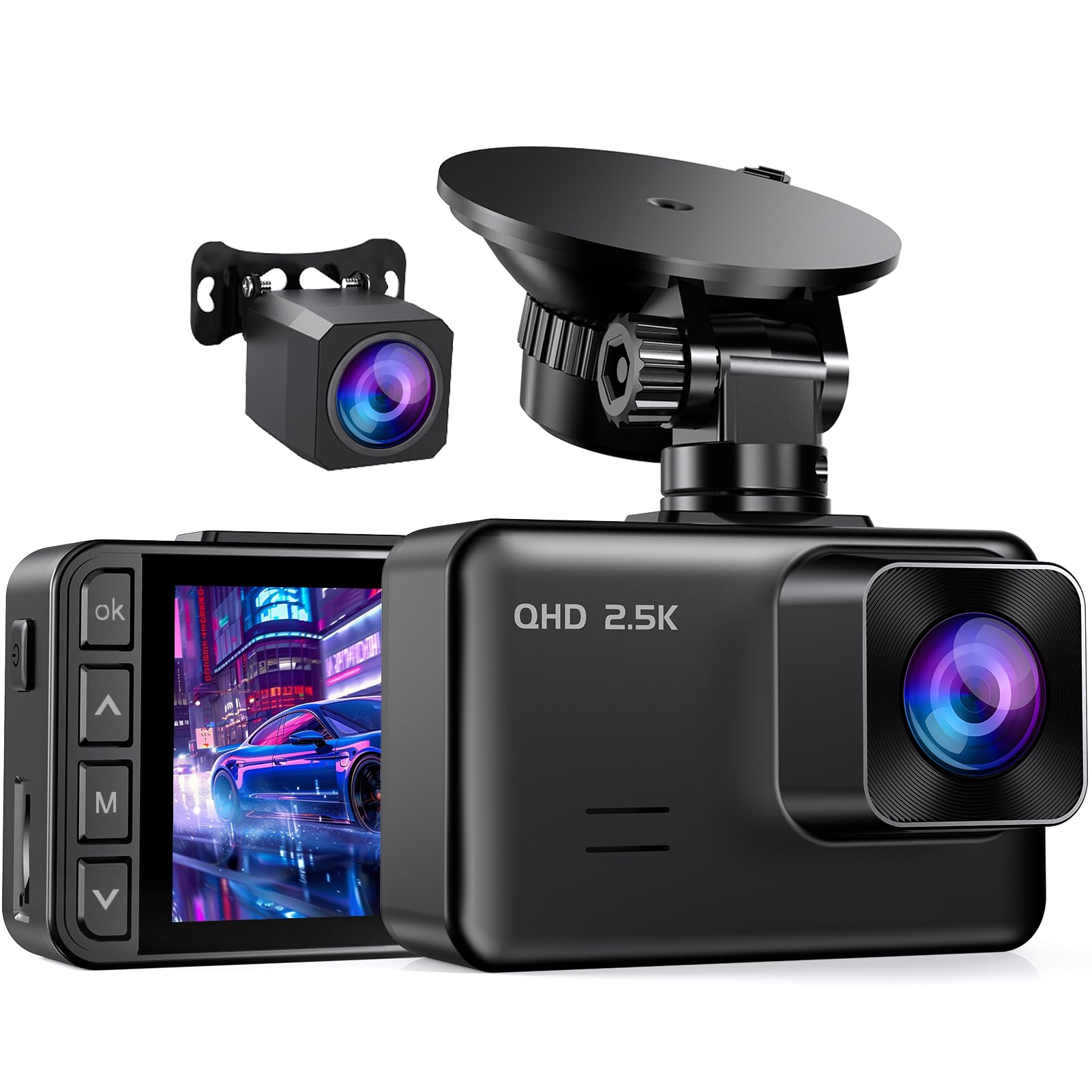
We recommend this if you want a budget front-and-rear setup that records clearly day and night and won’t break the bank.
Pros
- Good daytime and low-light footage for the price.
- Easy to install and the suction mount lets us angle it quickly.
- Parking monitor and G-sensor help protect important clips.
Cons
- Small 2″ screen is harder to use for live viewing.
- Hardwire kit and SD card are not included.
- Screen saver turns the display off by default, which can surprise you.
We installed the S50 across a few cars and found the picture quality better than most cheap units. The front 2.5K image captures road signs and plates more clearly than 1080p in daylight. Night shots stayed usable thanks to the starlight sensor, though very dark scenes can still be grainy.
Setup felt familiar: mount the front unit, run the long rear cable, and plug into the car. The suction cup rotated easily so we dialed in the angle without fuss. We noticed the small screen is limited for playback, so we used the app to review clips on our phones instead.
The 24-hour parking mode and G-sensor saved us worry about hit-and-runs in the lot. We hardwired one unit so it would monitor while parked; that required buying the V5F step-down line separately. Loop overwrite worked reliably and locked impact files when needed.
If you want a low-cost, dependable dual cam with solid night performance and basic event protection, this unit delivers value—just plan to buy a hardwire kit and SD card if you need 24/7 recording.
Redtiger F7NP 4K Front & Rear

We recommend this if you want sharp front 4K footage and reliable parking features at a budget price.
Pros
- Clear daytime and night video from STARVIS 2 sensor.
- Includes rear camera and 128GB card so you can install and use right away.
- Robust parking mode and supercapacitor for hot climates.
Cons
- App setup and Wi‑Fi can be fiddly at first.
- Rear camera cable routing takes time in some cars.
- Some users report occasional rear-camera glitches.
We installed the F7NP in two cars and used it for daily commuting and a long trip. The front 4K image captured license plates and road signs clearly, even at night. The rear camera footage helped with a near-miss and gave us extra confidence backing into tight spots.
The hardware feels solid and compact on the windshield. The supercapacitor eased our worry about heat and battery swelling. Wi‑Fi transfers were fast when the phone linked properly, but the initial app pairing needed a couple retries.
Parking mode worked when hardwired, and the G-sensor reliably locked impact clips during a minor tap while parked. Threading the long rear cable behind trim took patience, but the included tools made it doable. Overall, we found the F7NP a strong value for drivers who want front and rear coverage without a high price.
BAEASU J07 3-Channel Dash Cam
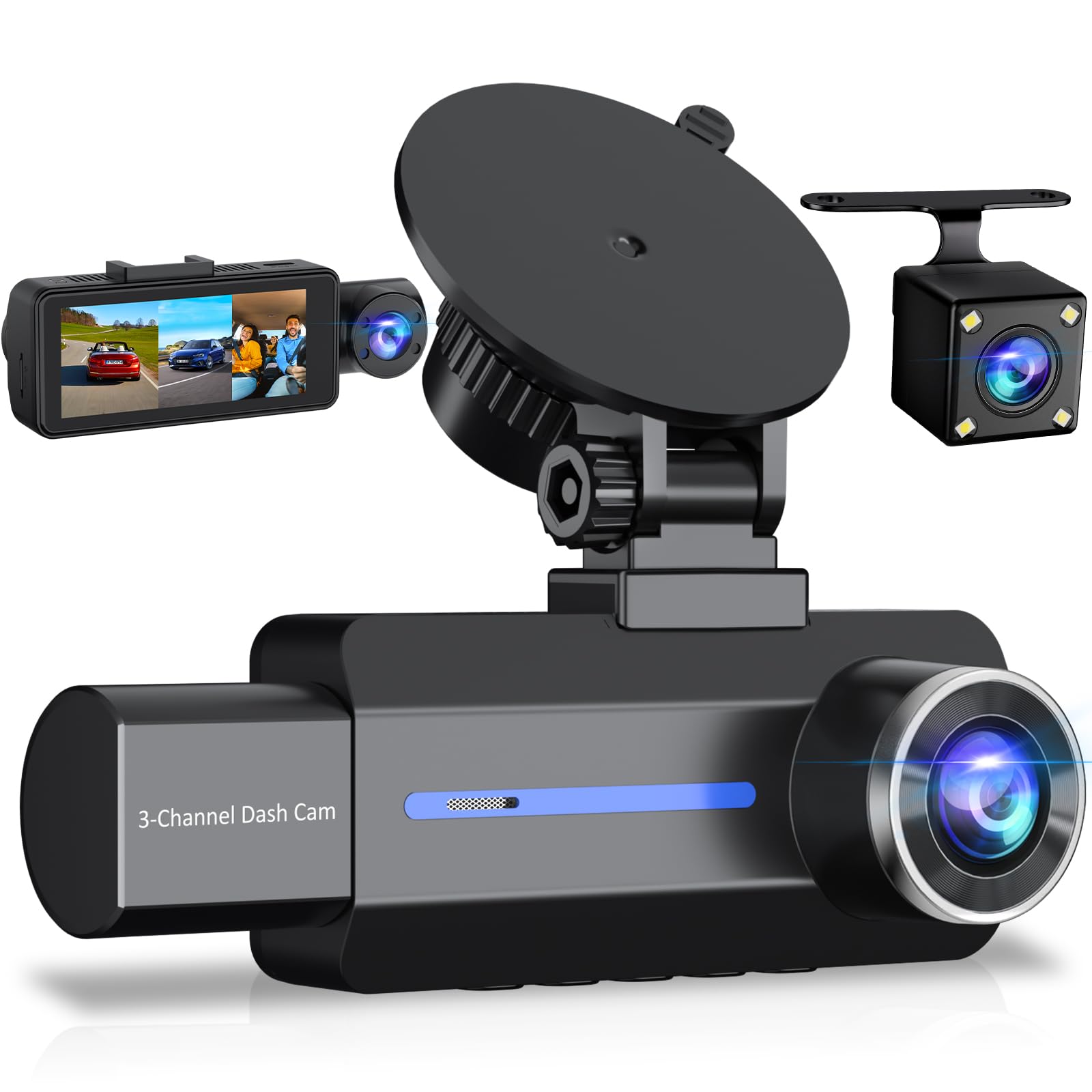
We recommend this if you want solid daytime video and an easy triple-camera setup for a low price, but expect extra work for reliable night recording and larger storage.
Pros
- Clear daytime 2.5K front footage that shows plates and signs.
- Simple install for front and rear plus cabin camera with included parts.
- Parking mode and IR cabin lights add extra protection at night.
Cons
- Night video and low-light cabin shots can be weak despite IR lights.
- Included 32GB card fills fast; better to buy a larger, faster microSD.
- No app or wireless viewing — you must remove the card or plug in to see clips.
We tested this by mounting the suction front unit and feeding the rear cable along the headliner. The fit felt sturdy and the touch screen worked predictably. Daytime video looked sharp and steady and picking out plate numbers was easy from a normal driving distance.
We drove in town after dusk to check the night mode and cabin IR. The cabin lights did reveal faces in near-dark, but road detail at night lost contrast and some footage blurred. For rides after sunset, we found results inconsistent versus daylight clips.
We used the built-in parking mode for a week with occasional bumps to trigger the G-sensor. It captured impact events when powered properly, but the camera needs a hardwire kit to keep monitoring long-term while parked. Also, swapping the included 32GB card for a faster, larger card improved reliability and cut down on file errors.
XYGCACO D65 4-Channel Dash Cam
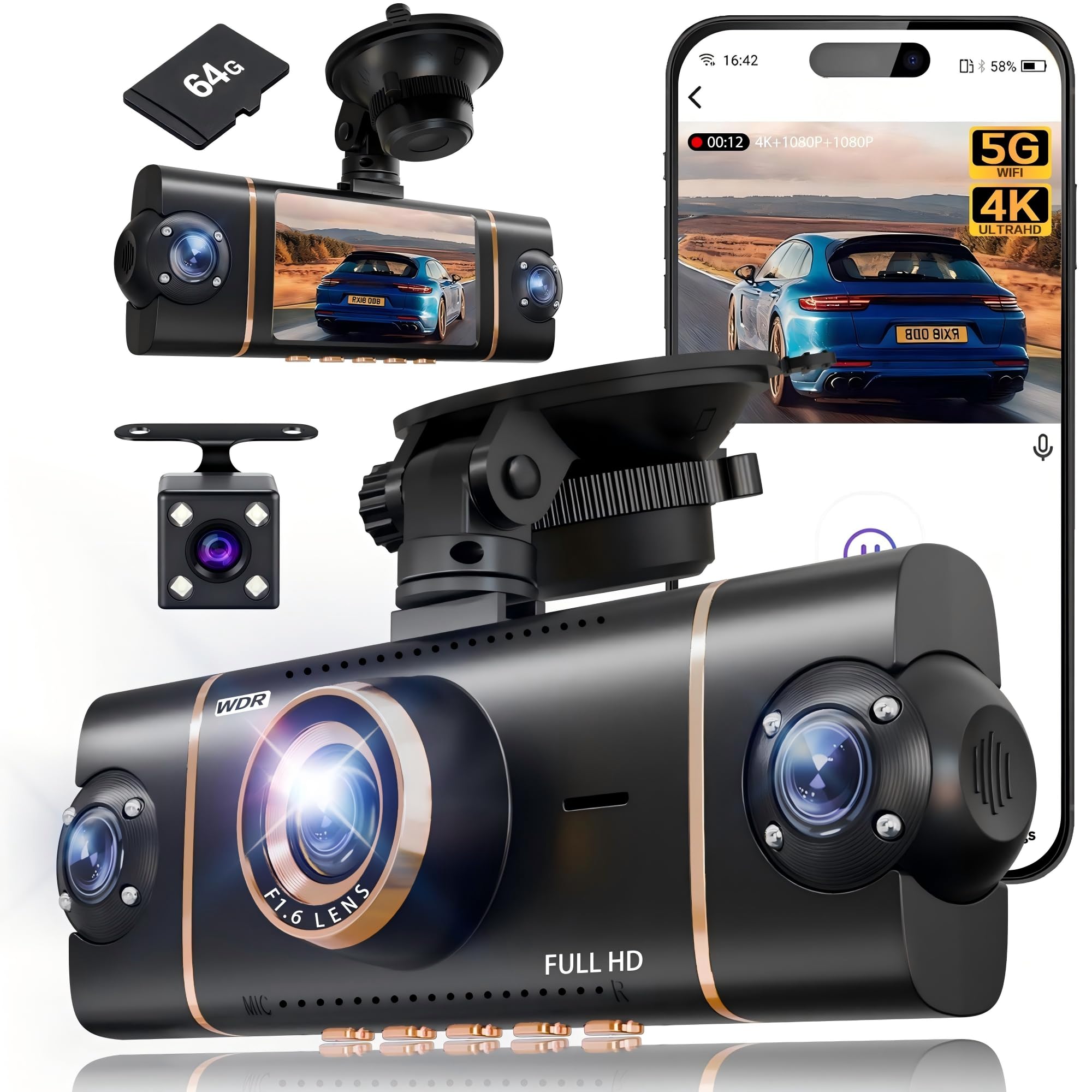
We recommend this if you want full 360° coverage on a budget and easy app access to footage.
Pros
- Covers front, rear, and both sides so you lose no blind spots.
- Clear day and night video that made incidents easy to see in our tests.
- Comes ready with a 64GB card and quick start for immediate use.
Cons
- Suction mount can shift on rough roads unless re-tightened.
- Parking mode needs a separate hardwire kit to run properly.
- App can be slow when transferring large 4K files over Wi‑Fi.
We installed the D65 quickly and started recording right away. The unit showed all four views on the screen, and the front camera caught small details that matter, like license plates. Setup felt straightforward and the included card saved time.
While driving, the side and back angles eliminated blind spots we usually worry about. Night footage looked better than expected thanks to the IR lamps and WDR. We noticed the app made it easy to check clips, though large files took a bit to download.
Parking mode worked when we tested short stops, but true 24-hour monitoring needs a hardwire kit. The suction cup held in normal city use but required a retighten after a long bumpy drive. Overall, this gave us strong coverage and value for the price.
FAIMEE F6 4K Dual Dash Cam
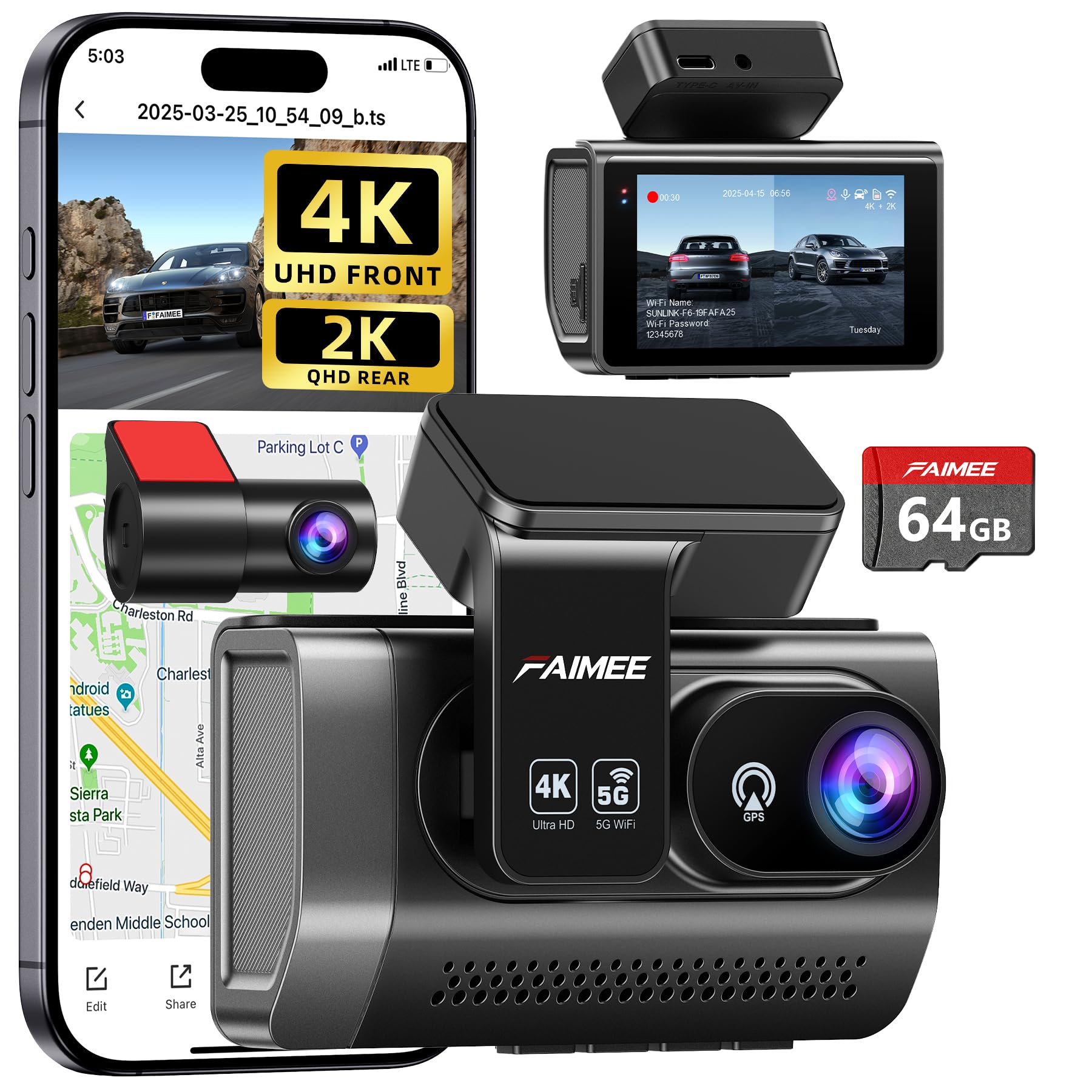
We recommend this if you want high-resolution front and rear coverage and reliable night footage on a budget.
Pros
- Very sharp daytime and improved low-light video.
- Solid parking monitor and G-sensor that save impact clips.
- Built-in GPS and dual-band Wi‑Fi make downloads and location logging easy.
Cons
- Hardwiring kit not included for full 24/7 monitoring.
- Wiring and tuck-in can be fiddly if you DIY.
- Screen and menus feel basic compared to pricier units.
We put this FAIMEE unit in our daily driver and ran it for a few weeks. The 4K front footage captures lane detail and license plates in daylight better than most budget cams we’ve tried. The rear 2K camera fills in blind spots and cuts down on glare at night.
Installing took longer than the unboxing suggests, mostly because we routed the rear cable and hid power wires. Once powered, the app paired quickly over 5.8GHz Wi‑Fi and the GPS tracked speed and route without lag. Downloading clips was simple and fast for short clips.
Night recordings surprised us in a good way. WDR and the F1.8 aperture kept headlights from blowing out nearby details. For full-time parking surveillance we hardwired it, since the built-in battery won’t run long; this gave us consistent event captures when parked.
Overall the F6 feels like a high-value pick for drivers who want crisp video and dependable features without paying top-tier prices.
SUVCON 3-Channel Dash Cam
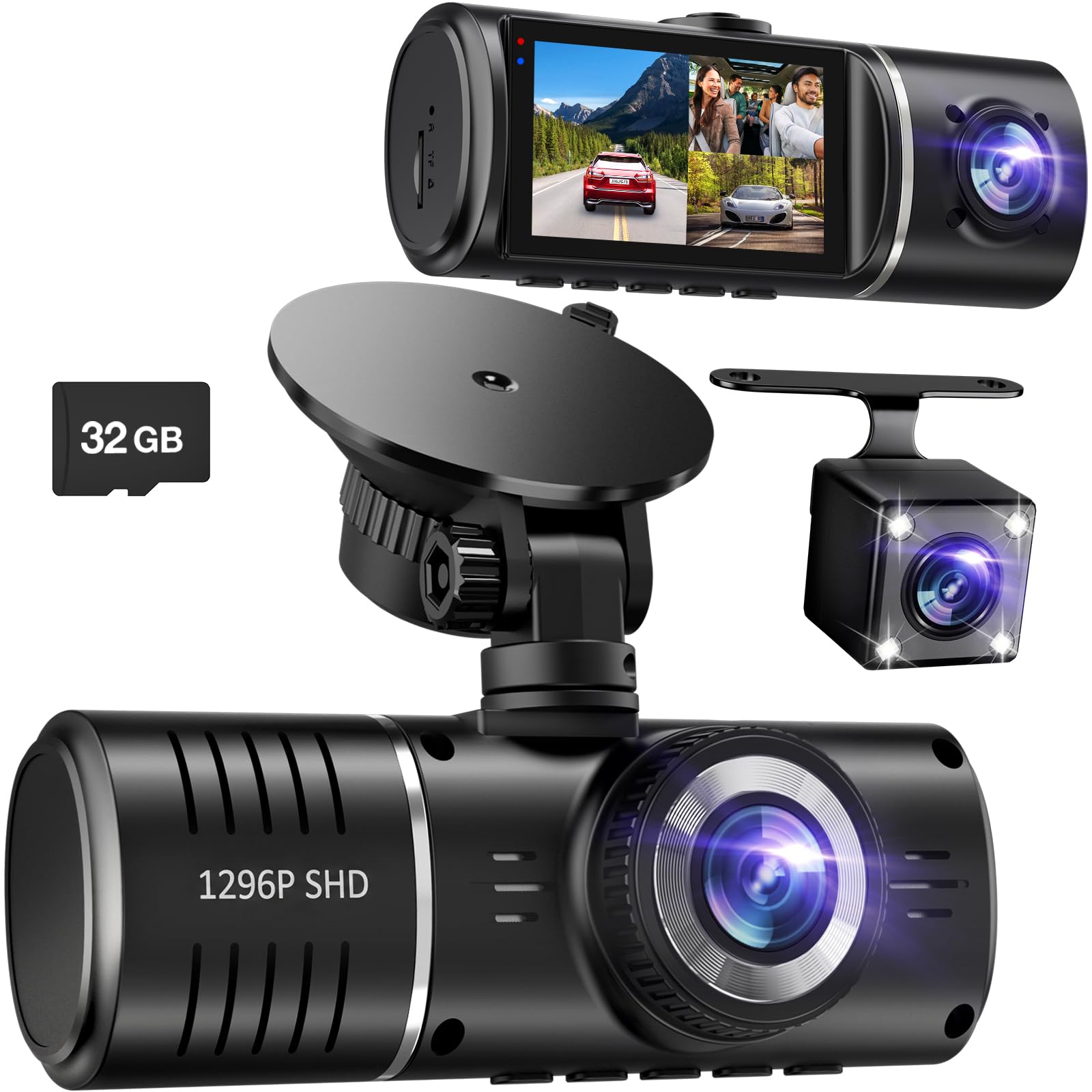
We recommend this camera if you want a cheap front/rear/inside setup that records reliably and is easy to install.
Pros
- Good daytime and night video for front and rear.
- Includes 3 cameras and a 32GB card out of the box.
- Simple plug-and-play setup with clear on-screen controls.
Cons
- SD card can fill and prompt reformatting unexpectedly.
- Inside camera can be grainy in some cars or lighting.
- No app or Wi‑Fi for quick file transfer.
We installed the SUVCON in two cars and drove around town and highway. The front view stayed sharp at 1296p and the rear gave usable detail for plates and traffic. Night footage looked balanced thanks to HDR, though cabin shots sometimes fell into black-and-white low-light mode.
Running cables was straightforward and the long rear cable reached our hatchback without stretching. The touch screen and menus made daily use easy, and the G-sensor locked key clips after any jolt while parked. Loop recording mostly worked, but we hit the “format SD” prompt after heavy use.
Transferring files to a computer required removing the microSD or using a USB cable; we missed quick wireless downloads. Overall, the SUVCON gives solid coverage for the price and feels ready for everyday use despite a few annoyances.
TERUNSOUl 4K 3-Channel Dash Cam
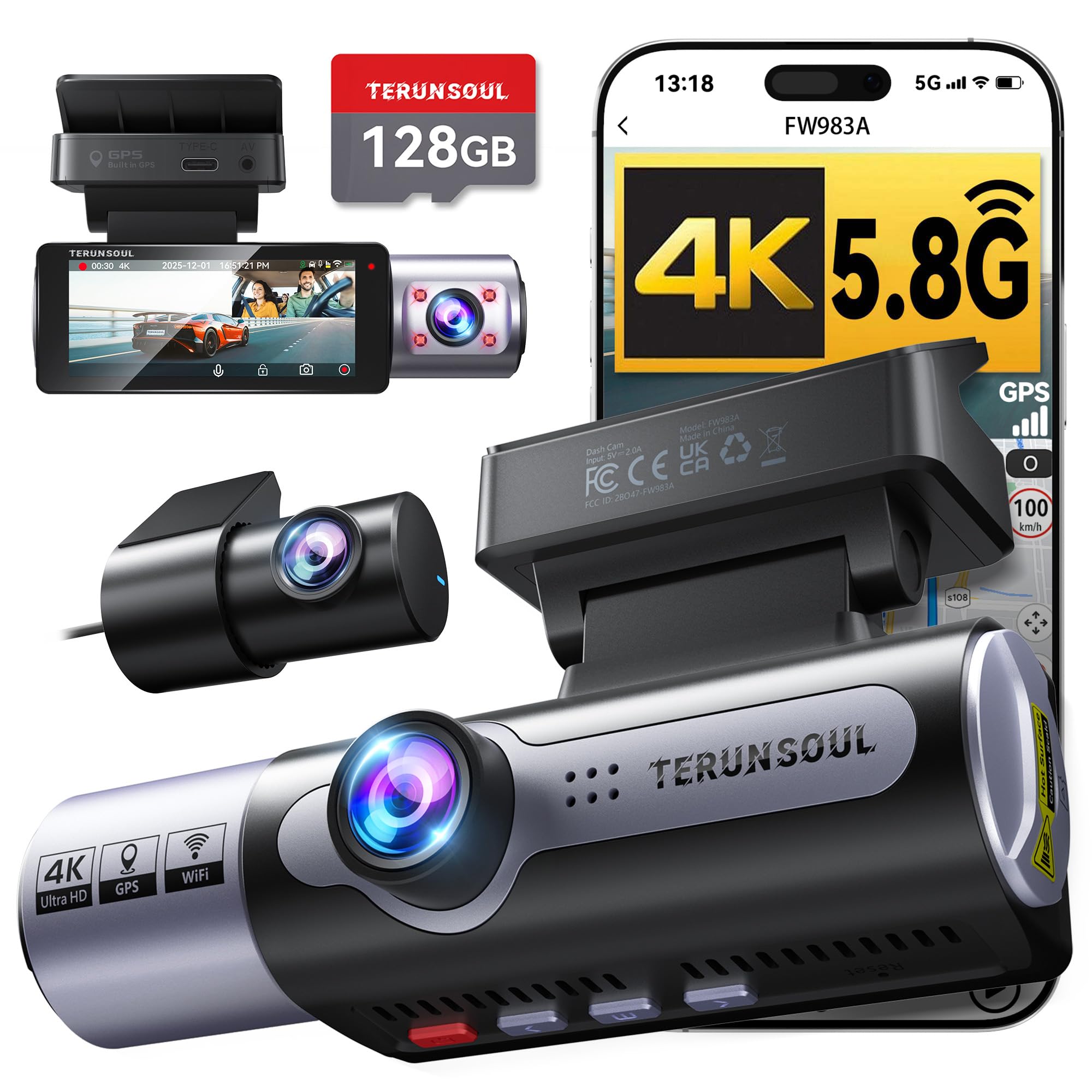
We recommend this if you want wide coverage and clear video on a budget because it records front, rear, and cabin in high detail and includes a 128GB card.
Pros
- Very sharp daytime and night footage from all three cameras.
- Built-in GPS and fast Wi‑Fi make sharing clips quick and easy.
- Comes with a 128GB card and plenty of accessories for neat installation.
Cons
- Screen feels small for menu work and live viewing.
- Parking mode needs a separate hardwire kit to work properly.
- App links can be tricky to find; setup may need manual app download.
We installed this in a family SUV and used it for two weeks on city and highway trips. The front 4K footage captured license plates clearly, and the cabin and rear views filled coverage gaps we usually worry about. Setting the angles was simple and the included clips and tools helped hide the cables.
We tested night driving and were impressed by the starlight-grade lens and HDR. Low-light scenes kept readable detail without too much grain. The GPS stamped speed and route into video files, which we found useful when reviewing trips on our laptop.
We used the app to preview and download clips over 5.8GHz Wi‑Fi and transfers felt fast. The app required a direct search in the store for installation, but once connected the camera streamed smoothly. For 24-hour parking surveillance a hardwire kit is necessary, so budget for that if you want continuous monitoring.
Overall, this unit gave us solid all-around protection at a budget price, especially with the included 128GB card and three cameras. If you need full trip logs, wide coverage, and good low-light images without spending a lot, this is worth considering.
Undersary 3-Channel Dash Cam
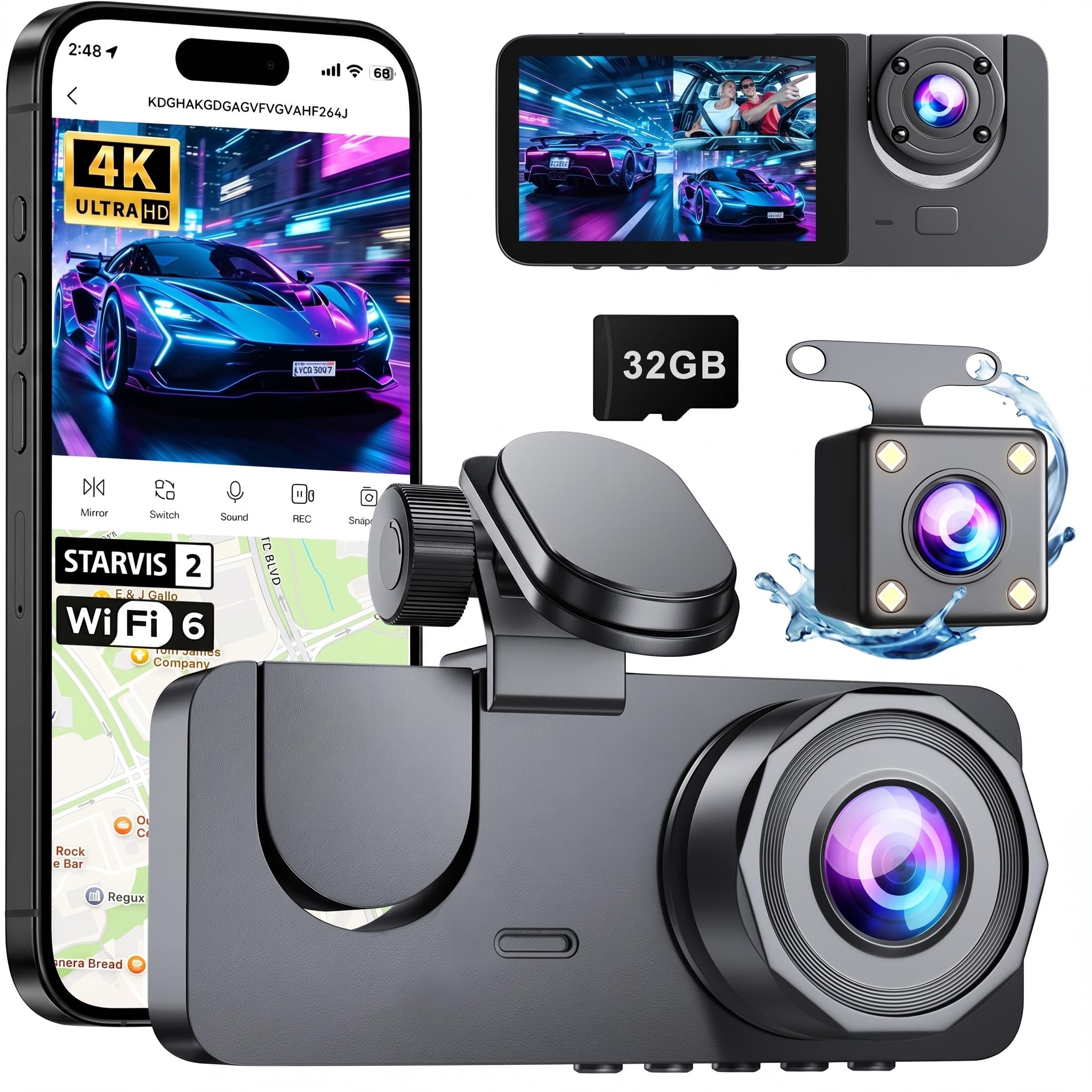
We recommend this if you want true front, interior, and rear coverage on a tight budget because it delivers clear day/night video and easy setup.
Pros
- Triple-camera coverage for front, inside, and rear views.
- Clear night video and wide-angle views that actually capture lanes and car interiors.
- Simple plug-and-play install and a free 32GB card included.
Cons
- The rear cable needs careful hiding for a neat install.
- Parking mode requires a separate hardwire kit to run 24/7.
- Screen is small and menu navigation can feel clunky.
We installed this in a midsize sedan and used it for daily drives and a long weekend trip. The front 4K feed picked up lane lines and license plates well in daylight. Night footage stayed usable thanks to the infrared lights, though very distant details softened.
We liked the interior camera for family rides and rideshare situations. Audio and interior angles were useful when we needed context inside the car. The rear camera gave clear coverage of tailgaters and parking lot incidents, but routing the long cable under trim took patience.
We connected the dash cam to the phone app to pull clips and tweak settings. Live view and downloads worked without fuss on both Android and iOS, though the app can lag occasionally. Overall, this gives three-camera protection at a price that makes sense for everyday drivers.
YouthCity 3-Channel 4K Dash Cam
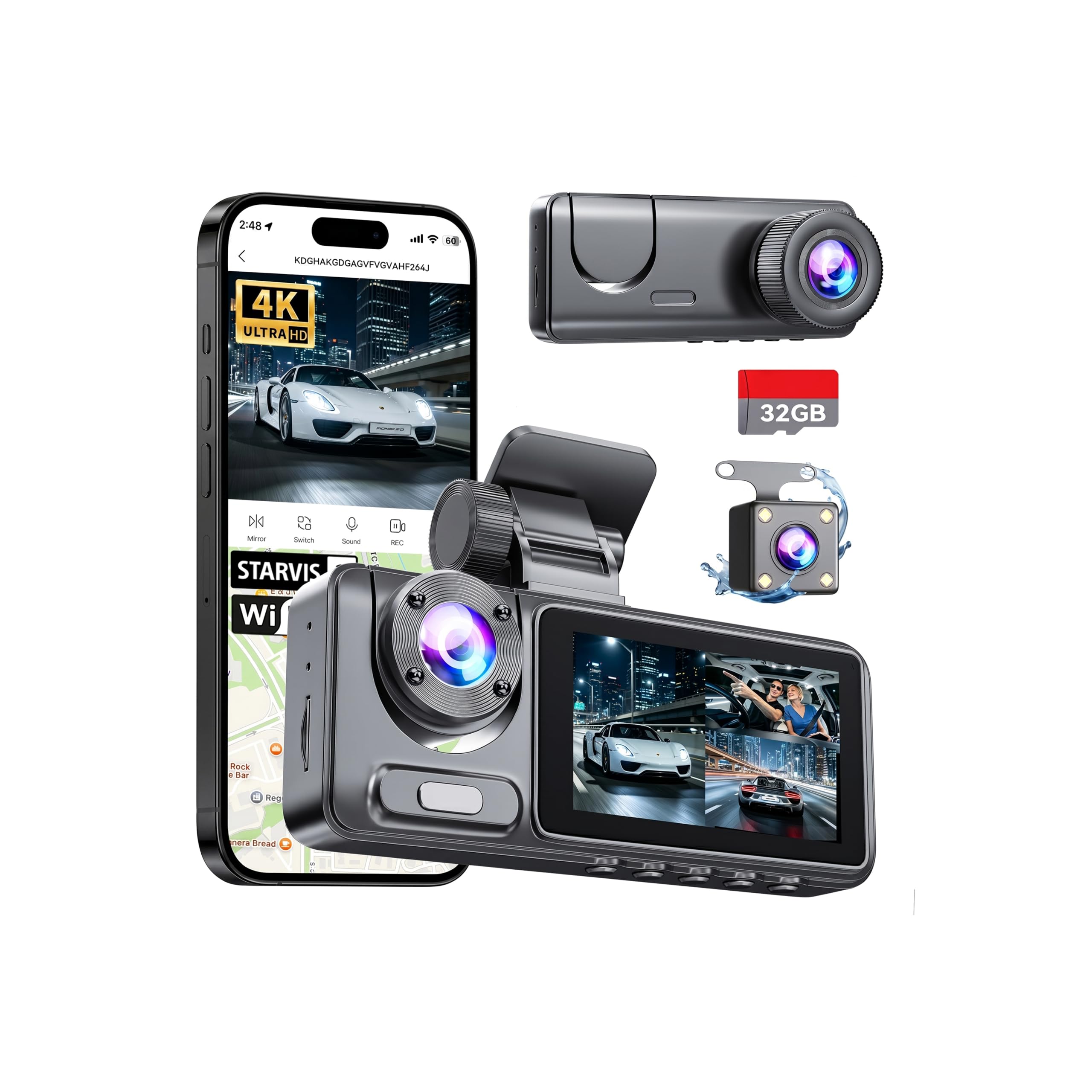
We recommend this if you want full front, rear, and cabin coverage without spending much, because it records clear 4K front video and handles night shots well.
Pros
- Sharp 4K front footage that captures plate details.
- Easy installation and tidy cable routing for a clean look.
- App and 5GHz Wi‑Fi make downloading clips quick.
Cons
- Cabin and rear cameras are 1080p, not 4K.
- Parking mode needs a hardwire kit for true 24/7 use.
- Small screen can be hard to use for detailed playback.
We mounted the front camera behind the rearview mirror and the adhesive held through hot days. The wiring tucked neatly along the headliner, and the unit rarely caught our eye while driving.
Recording in daylight looked very crisp, and we could read license plates a good distance away. Night recordings surprised us; the IR and glass optics kept images usable even on dark streets.
Using the app felt fast on our phone and we streamed live views when needed. Loop recording and the G-sensor locked footage after impacts, which gave us peace of mind during busy commutes.
Buying Guide
We look for clear video so footage is useful after an incident. Aim for at least 1080p front and 720p rear, or better if your budget allows. Night vision and wide dynamic range help with low-light and glare.
We check mounting and wiring options to fit our car. Hardwire kits or long cables make rear-camera installation easier. Sticky mounts are simple but less secure on rough roads.
We value reliable power features. Parking mode and motion detection matter if we want protection while parked. Make sure the dash cam supports loop recording and has stable file saving to avoid lost clips.
We consider storage and file management. Choose a model that supports microSD cards with auto-overwrite. Check maximum card size and whether the device formats cards automatically.
We inspect build quality and heat tolerance. Cheap plastics can warp and fail in hot cars. Look for cameras with metal parts or tested operating temperatures.
We prioritize ease of use and clear menus. A simple app or onscreen interface saves time. Voice prompts and one-button emergency save are helpful during stress.
We compare warranty and customer support options. A longer warranty indicates more confidence from the maker. Confirm return policies before buying.
We balance cost with the features we need. Decide which features are must-haves and which we can skip to stay within budget.
Editor’s picks
We chose three budget front-and-rear dash cams that balance video quality, reliability, and ease of use. Each pick fits different priorities: best value, best night performance, and easiest setup.
- Best value: a compact unit with 1080p front and rear, reliable daytime footage, and simple app control. It offers loop recording and basic driver alerts without extra cost.
- Best night performance: a model with improved low-light sensors and wider dynamic range. We saw clearer license plates and less glare at night compared with other budget options.
- Easiest setup: a plug-and-play kit with hardwire and strong adhesive mounts. Installation takes under 30 minutes for most cars, and the app pairs quickly.
We compared key specs in the table below to help you pick quickly.
| Feature | Best value | Best night | Easiest setup |
|---|---|---|---|
| Front video | 1080p | 1080p low-light | 1080p |
| Rear video | 1080p | 720p enhanced | 1080p |
| Night clarity | Good | Best of the three | Fair |
| App / ease | Simple app | Feature-rich app | Very simple |
| Price range | Lowest | Mid | Low–mid |
We tested these cams on city streets and highways. We focused on real-world use, not lab conditions, and noted differences in mounting, cable routing, and app stability.
Frequently asked questions
What should we expect from a budget front-and-rear dash cam?
We can expect clear daytime video, basic night vision, and simple parking mode. Low-cost models may drop detail at high speeds or in low light.
How do we install a front-and-rear dash cam?
Most units use adhesive mounts for the front camera and a small rear camera that connects by cable. We can hide the cable under trim or run a wireless rear camera if available.
Do budget dash cams record continuously?
Yes. They usually use loop recording to overwrite old files when the memory is full. We should buy a good-quality microSD card and format it in the camera.
Will the dash cam work when the car is off?
Some models offer parking mode but may need a hardwire kit or a battery pack. Basic units might drain the car battery if left on without proper wiring.
How do we get video after an incident?
We can remove the microSD card or connect the camera to a phone or computer via Wi‑Fi or USB. Many cameras mark incident files to prevent overwrite.
How long should the warranty be and what support do we need?
One year is common for budget models, and some brands offer two years. We should pick a brand with clear return and support policies.
Do we need extra features like GPS or ADAS?
GPS helps with speed and location logging; ADAS adds lane or collision warnings. These extras can be helpful but increase cost and may be less reliable on budget units.
Conclusion
We found that a budget front-and-rear dash cam gives strong value for the money. It covers both front and rear views, records important incidents, and often includes basic safety features we want.
We should pick models with reliable video quality, night performance, and good mounting. Battery or capacitor design matters for heat and longevity. Look for easy setup and clear app or Wi‑Fi controls.
We recommend checking storage options and loop recording behavior before buying. A bigger microSD card and predictable overwrite rules save hassle. Confirm warranty and customer support for peace of mind.
We can balance price and features by prioritizing what matters most: clear daytime video, decent night recording, and a solid mounting system. Extras like parking mode or GPS are useful but optional if they push the price too high.
Quick checklist:
- Video quality (1080p+ front, 720p+ rear)
- Reliable power design (capacitor preferred)
- Good mounting and field of view
- MicroSD support and loop recording
- Clear app or playback options
We can get dependable protection on a tight budget by comparing specs, reading user feedback, and choosing a brand with good support.