10 Budget Dash Cam Under $50: Reliable Picks and Buying Tips

Dash cams record your drive and can protect you from false claims, thief damage, and driver distraction. Many drivers want basic protection without spending much, so budget dash cams under $50 are a popular choice. These models usually offer 1080p or 720p video, loop recording, and simple installation, which cover most everyday needs.
When shopping for a cheap dash cam, focus on video quality at night, reliable loop recording, and a secure mount; poor night vision or flaky recording makes footage useless. We tested a range of sub-$50 models to find ones that reliably capture clear daytime and nighttime video and keep recording without frequent failures. This article shows our picks, explains how we tested them, and helps you choose the best low-cost dash cam for your needs.
10 Best Budget Dash Cams Under $50
We tested several affordable dash cams and picked models that give reliable video, simple setup, and useful features without breaking the bank. Below is our list of the best dash cams you can buy for under $50.
Veement V300 Dash Cam

We think this is a good buy if you want a basic, reliable dash cam under $50 that records clear daytime video and has useful app control.
Pros
- Good 1296p daytime clarity for the price
- Small, low-profile design that hides behind the rearview mirror
- Easy phone connection via built-in Wi‑Fi and app
Cons
- Night footage is usable but not as sharp as daytime video
- Requires continuous USB-C power; no internal battery backup
- Occasional app pairing glitches on some phones
We installed the V300 and ran it for several drives. The picture looked crisp during the day, and the wide 170° lens caught multiple lanes without fish-eye distortion. Mounting was quick with the sticker, and the unit stayed put on bumpy roads.
We used the VeeCar app to preview and download clips. Linking the camera to our phone took a minute, then live view and downloads worked fine. Be ready to use the app often if you want to pull clips instead of digging through the SD card.
We tested low-light driving and saw decent night visibility thanks to the F1.7 lens, though fine details like distant license plates became fuzzy. The cam runs off USB-C power, so you’ll need a long car cable or hardwire kit for parking mode; that keeps heat risks lower but adds wiring work.
We liked the loop recording and g‑sensor; it saved incidents automatically without fiddling. A few reviewers mentioned faulty adapters or app issues, and we had one small hiccup during setup, but customer service responded and helped resolve it.
If you want a simple, budget-friendly dash cam that records clear daytime video and offers app control, the Veement V300 performs well for the money.
Meiqils Dual Dash Cam
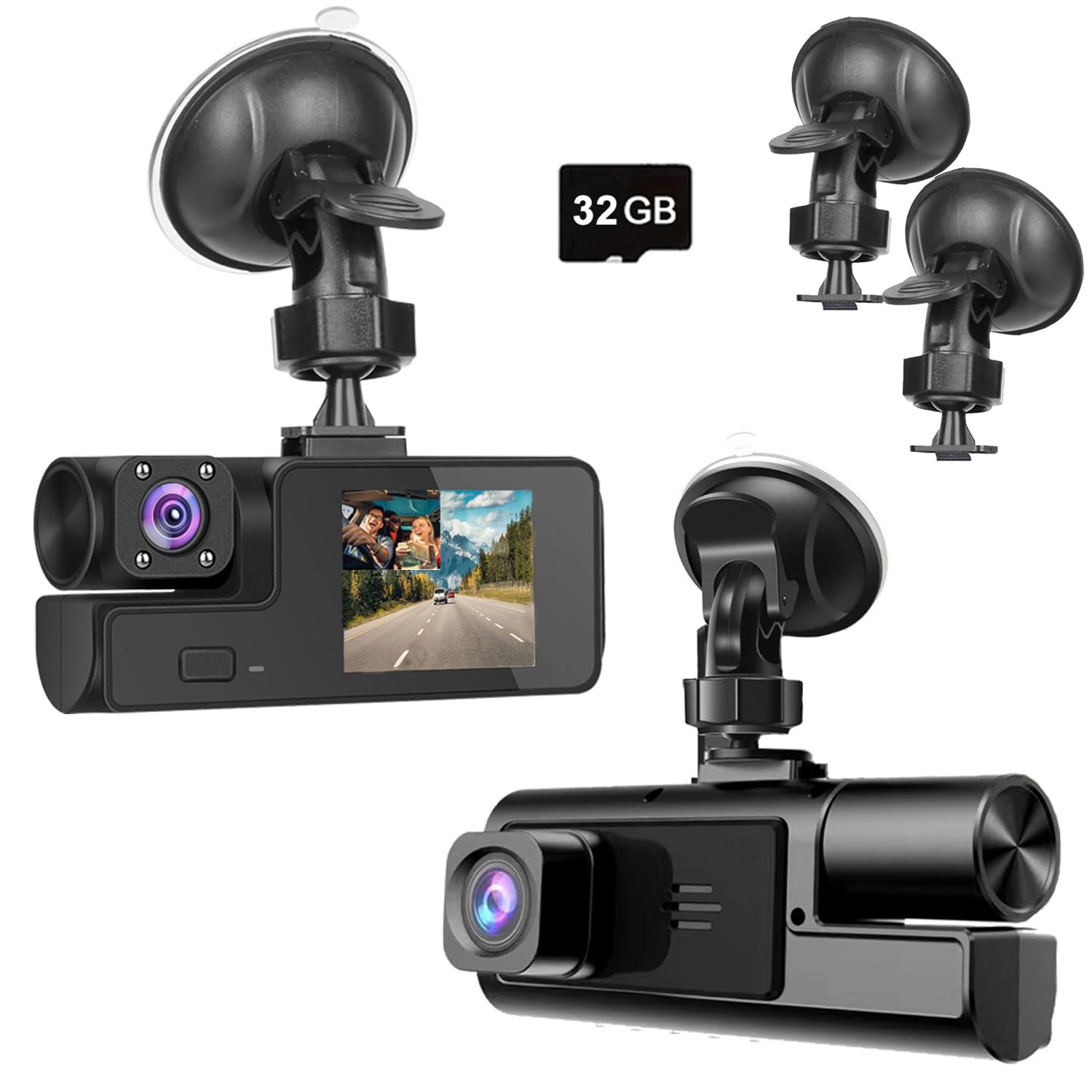
We would buy this only if you need a very cheap dual dash cam and accept trade-offs in mount and image clarity.
Pros
- Very affordable for front + inside recording.
- Easy to install and start using quickly.
- Decent daytime footage from the forward lens.
Cons
- Mount feels weak and can detach.
- Image detail is often too soft for plates or lights.
- Some units fail after a few weeks.
We used this Meiqils camera for a few drives to test how it behaves in real life. The front view gives clear-looking video in good light, and the dual setup captures passengers without extra hardware. Setup took minutes: stick the suction cup, plug into the lighter, and it powers on with the car.
The mount worried us. Pushing on the base made the joint feel loose, and one review matched our experience — it can pop off if you nudge it. We ended up repositioning it and checking the suction often when parking on bumpy streets.
Night and detail performance disappointed at times. Night vision lets you see shapes, but license plates and traffic light colors were not always readable. If you need crisp evidence for incidents, this model can fall short.
For casual drivers who want a backup camera on a tight budget, this works well enough. We would not recommend it for drivers who require reliable, high-detail recordings or long-term durability.
Wagoyo Dual Dash Cam
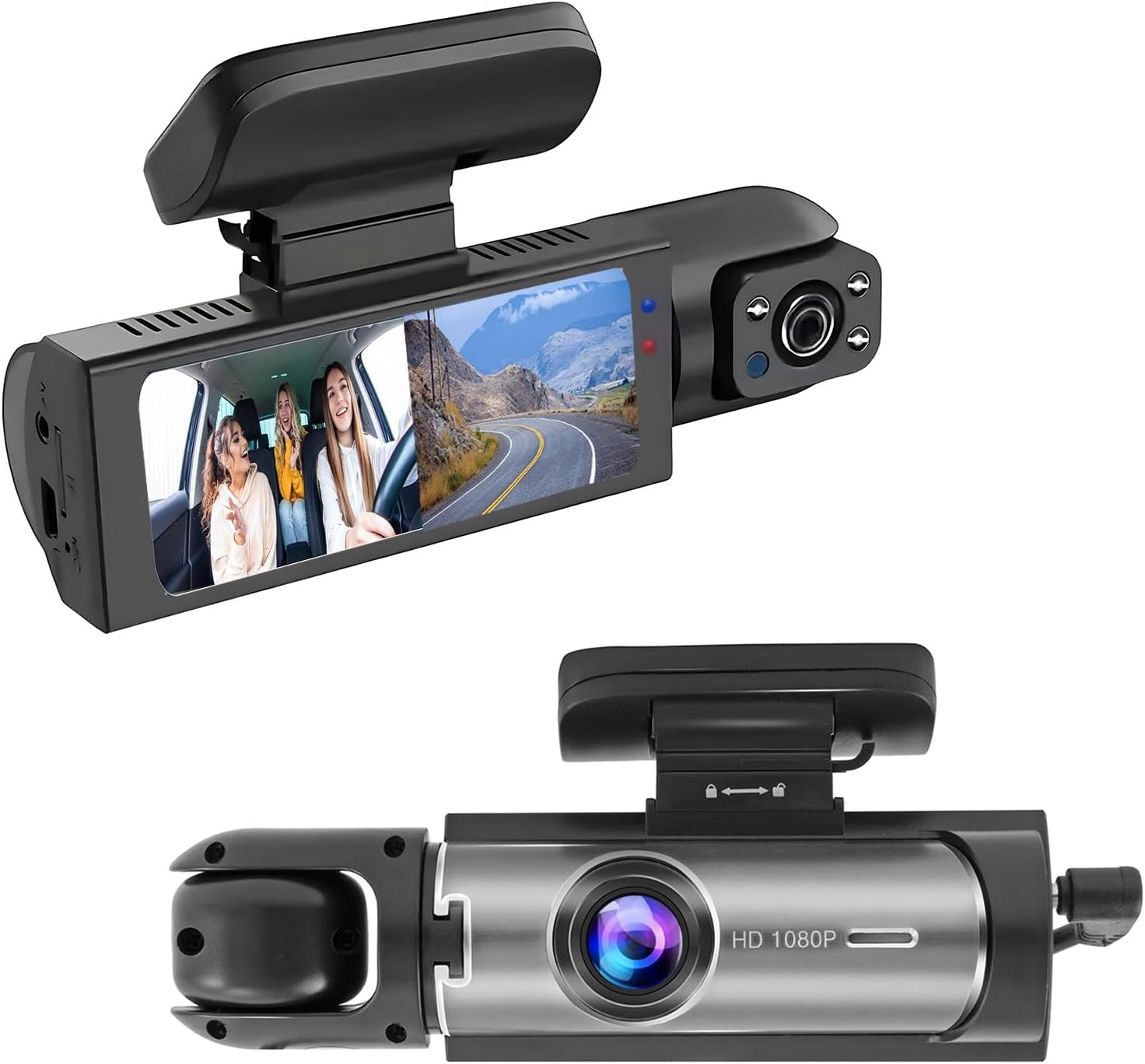
We recommend this camera if you want dual front-and-inside recording on a tight budget and can accept modest mounting and build trade-offs.
Pros
- Records both the road and the cabin at once for better evidence.
- Decent night capture and IR lights for inside shots.
- Simple plug-in setup; no complex wiring needed for basic use.
Cons
- Suction mount can fail in heat or after months of sun exposure.
- Build feels lightweight and may not stay perfectly aligned.
- Parking mode needs a hardwire kit to work reliably when parked.
We tested this unit for a few weeks as a daily driver camera. Setup took under five minutes using the suction cup and cigarette-lighter power cable. Video looked solid in daytime and the split-screen view helped when we wanted both road and cabin context.
Low-light performance surprised us for the price. The outside view kept readable details on dim roads, and the cabin IR lights showed faces well inside a dark car. Still, fine detail like distant plates at night can be hit or miss compared with higher-end models.
Mounting proved the weak link. The suction cup held fine short-term, but hot sun softened the adhesive feel and the angle shifted after long drives. We re-mounted it a few times and found a stronger adhesive or a hardwire bracket would keep it steadier.
Loop recording and the G-sensor worked as expected during testing; small incidents were saved and locked automatically. Remember to format the microSD card monthly for best performance and buy a good-quality 64 GB card to avoid gaps.
We found this dash cam gives a lot for under $50 if you want dual views and easy setup, but expect to tweak the mount and accept a plastic feel.
AKEEYO P1 Mini
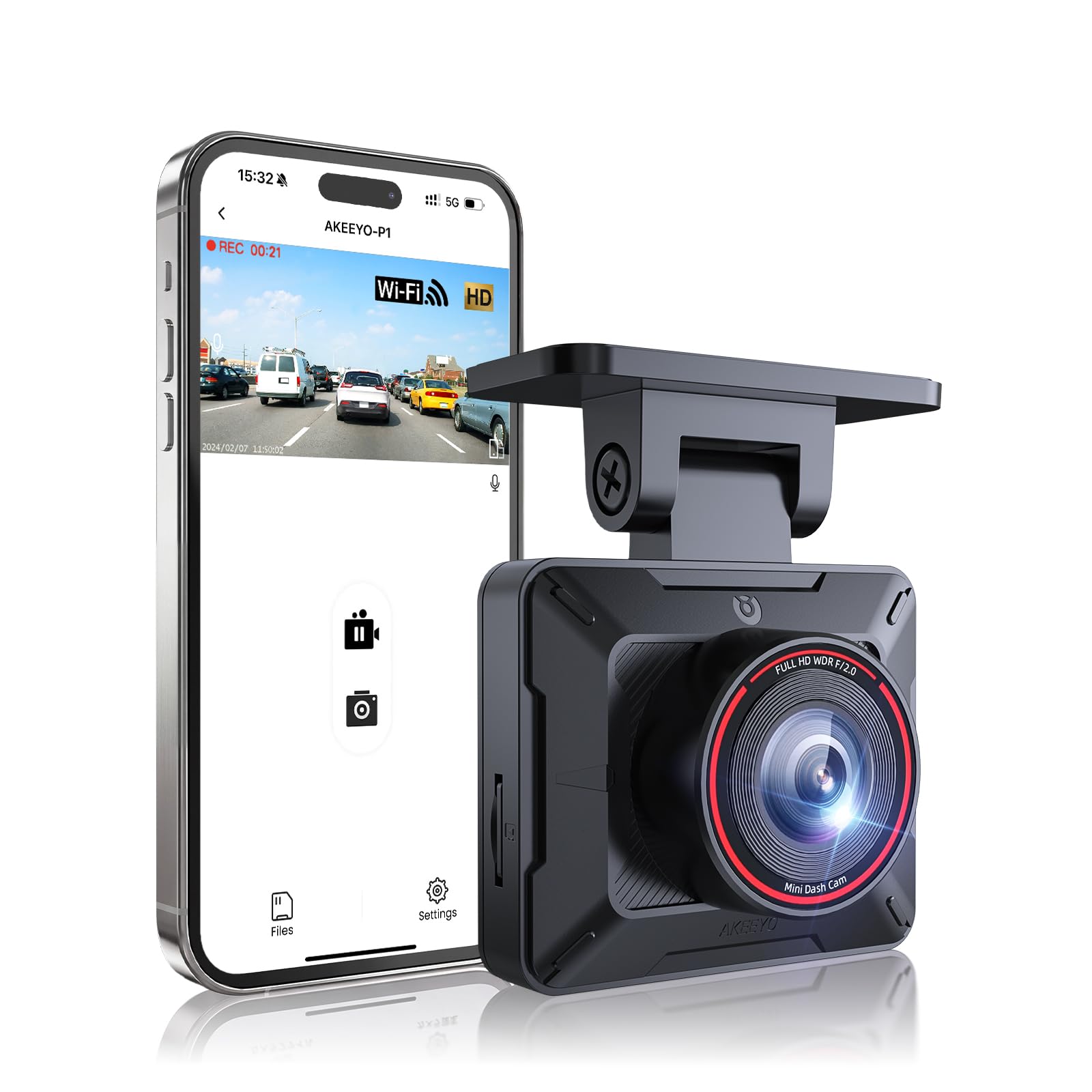
We recommend this if you want a compact, budget dash cam that records clear 1080p video and is easy to hide behind the mirror.
Pros
- Small, low-profile design that stays out of the way.
- Decent 1080p day/night footage for the price.
- Phone app lets us pull clips without removing the SD card.
Cons
- App pairing can be flaky, especially on some phones.
- No SD card included, and setup docs are thin.
- Mount hinge can drift if not perfectly positioned.
We mounted the P1 behind our rearview mirror and it felt discreet right away. Installation really is simple — peel, stick, tuck the cable — and the tilt mount made aiming quick. The camera stayed out of sight and didn’t block our view.
Recording quality surprised us for a low-cost unit. Daytime footage looked sharp enough to read most plates at normal distances, and night shots with WDR held up better than we expected. Wide-angle coverage caught multiple lanes without heavy fisheye warping.
The WiFi app helped when we needed a clip fast, but we ran into connection drops on one phone and had to restart to reconnect. We also had to buy a fast SD card separately and figure out a few settings ourselves. Customer support seemed reachable, which helped when we hit snags.
Overall, this is a solid budget pick if you want invisible mounting and usable 1080p video without spending much. If you rely on flawless app pairing or want everything included in the box, you might need to consider alternatives.
Buy the AKEEYO P1 Mini on Amazon
70mai M310 Plus 4K
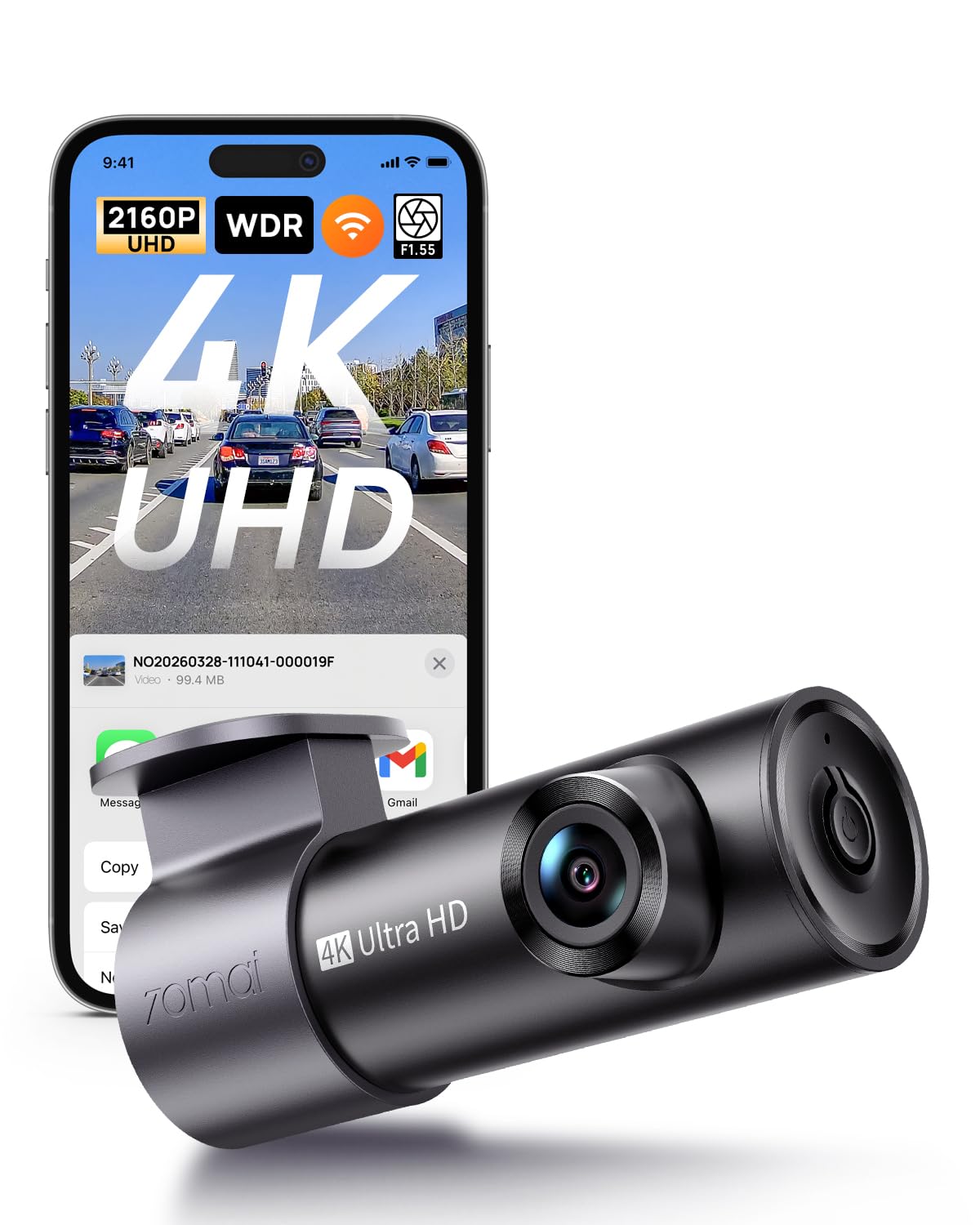
We recommend this if you want sharp 4K footage on a tight budget but can accept some app and mounting quirks.
Pros
- Very clear daytime and often good night video.
- Small, low-profile body that hides well behind the rearview mirror.
- Simple install with included trim tool and Type‑C power cable.
Cons
- App connection and file downloads can be slow or flaky.
- Mount and adhesive sometimes struggle at the windshield edge.
- No memory card or hardwire kit included for parking features.
We mounted this in our car and liked how crisp the daytime footage looked. License plates and signs were easier to read than on older 1080p cams we tested.
At night the image held up better than expected. Bright headlights caused some glare, but overall details stayed visible on darker roads.
The setup was quick and the unit stayed tucked out of sight. Still, the phone app took a while to pair and downloading clips felt slow compared with higher-end models we’ve used.
Parking mode works if you add a hardwire kit, but remember the kit and SD card don’t come with the box. We saw one mount slip when placed on the very edge of the windshield, so choose placement carefully.
If you want a budget 4K dash cam that records clear video and stays discreet, this is a solid pick — just plan for extra purchases and a little patience with the app.
E-YEEGER S50 Dash Cam
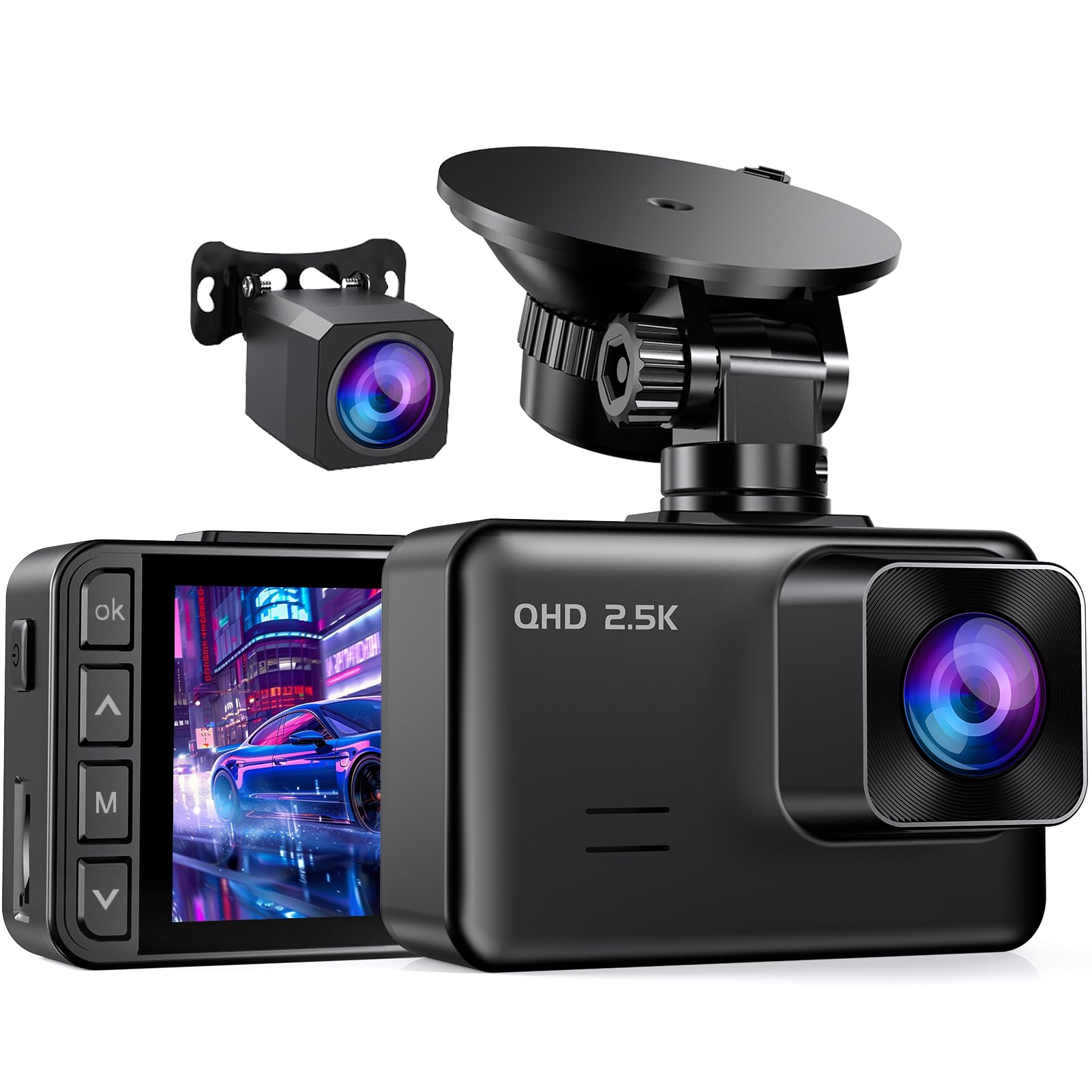
We recommend this if you want a dual-channel dash cam under $50 that records clear daytime and decent night footage for basic protection.
Pros
- Good daytime clarity and wide coverage.
- Easy to install with flexible mount and long rear cable.
- Records continuously and protects crash clips automatically.
Cons
- Small 2″ screen can be hard to view while parked.
- Parking mode needs a hardwire kit to run 24/7.
- Some units show early failures for a few buyers.
We tested this on short commutes and a longer highway trip. The front 2.5K image looked sharp in daylight and the wide 170° lens caught lane changes and signage well. Setup took about 15 minutes and the suction mount held steady.
Night recording used the starlight sensor and gave usable detail for cars and headlights, though tiny distant plates were fuzzy. The rear camera made backing and capturing rear incidents easy, but its clarity was lower than the front.
The user interface is simple and loop recording works reliably; we didn’t lose any recent clips during our tests. Parking monitor worked when we hardwired it, but running that kit adds cost and extra wiring time.
Overall, this feels like a solid budget choice for everyday drivers who need basic evidence recording without spending much.
Galphi Q2 4K Dash Cam
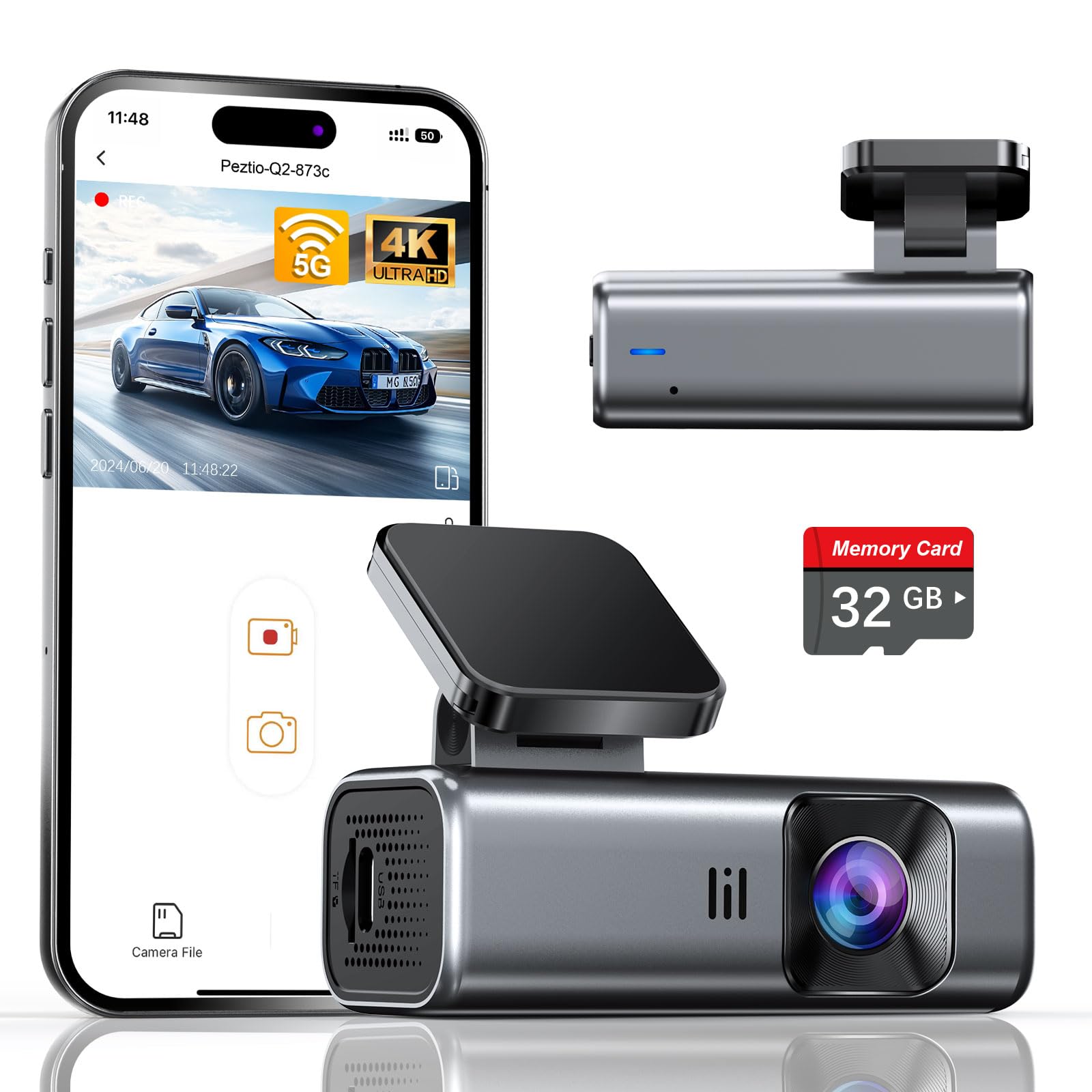
We recommend this if you want true 4K video and a ready-to-use dash cam under $50 for everyday driving and basic evidence recording.
Pros
- Sharp 4K footage that picks up details day and night
- Compact, low-profile design that stays out of sight
- Comes with a 32GB card so it records right away
Cons
- No built-in screen means you must use the app to review clips
- Parking mode needs a hardwire kit for full functionality
- 32GB may fill fast if you record long drives in 4K
We mounted this on our windshield in under ten minutes. The slim body barely blocked the view and the adhesive felt secure. Powering it from the cigarette port worked without fuss.
Video quality surprised us for the price. Daytime footage showed clear signs and plates. Night clips were usable thanks to the wide aperture and WDR, though long, high-motion scenes still lost a bit of detail.
Connecting over 5GHz WiFi to the app made downloads faster than older models we tried. The app handled clip downloads smoothly, but you need your phone for quick playback since there’s no screen on the unit.
Loop recording and the G-sensor did their jobs during our test drives. The camera locked impact clips and overwrote old files as expected. For constant parking surveillance, plan to buy a hardwire kit so it can run in low-power mode.
If you want to buy it, you can find it here: Galphi Q2 4K Dash Cam.
iZEEKER 2.5K Dash Cam
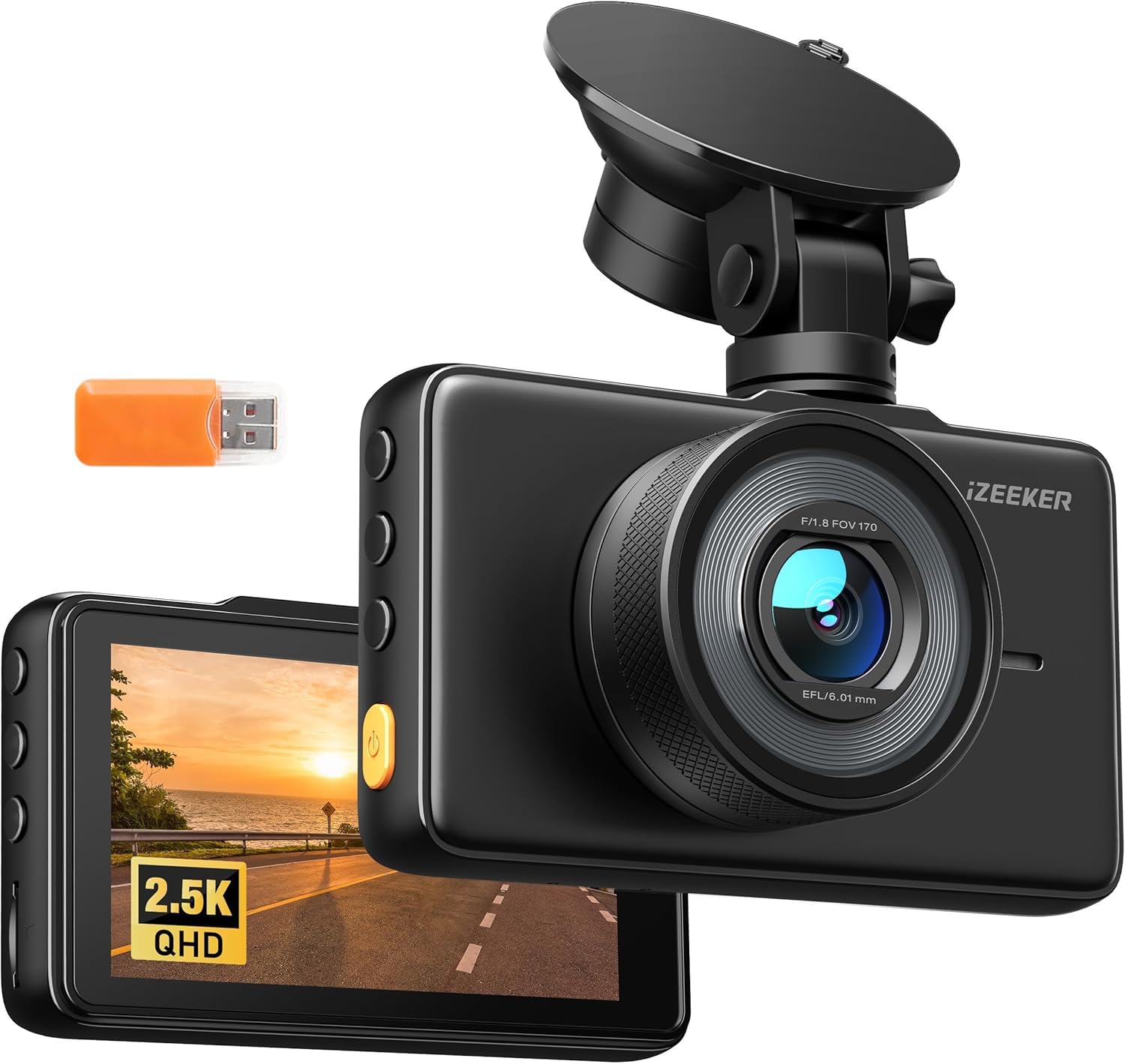
We think this is a solid budget pick if you want decent daytime video and simple automatic recording without spending much.
Pros
- Good daytime image and clear playback for common drives.
- Easy to install and move between vehicles thanks to the small suction mount.
- Simple auto start/stop and loop recording that just works.
Cons
- Some files can fail to play back on occasion.
- Night footage is acceptable but not outstanding.
- MicroSD card not included, so you must buy one to use it.
We used this cam for city and highway driving and liked how quickly it powered up and started recording. The 3″ screen makes setup easy and the touch controls feel responsive while parked.
Driving at midday, the 1440p footage showed useful detail like license plates at moderate distances. The wide 170° lens catches a lot of the road, which helped when we reviewed footage after minor incidents.
On a few drives we found occasional corrupt files when transferring clips to a laptop. It did not happen often, but it means backing up important clips quickly. Night clips capture movement and lights but lack the crispness of pricier models.
Installation across two cars was fast. The suction mount held well and the compact body stayed out of our sightline. For continuous parking recording you’ll need a powered port or hardwire kit; otherwise it only records while the car is on.
If you want a low-cost dash cam that records reliably for daily driving, this iZEEKER performs well for the price and is easy to move between vehicles.
Undersary 3-Channel Dash Cam
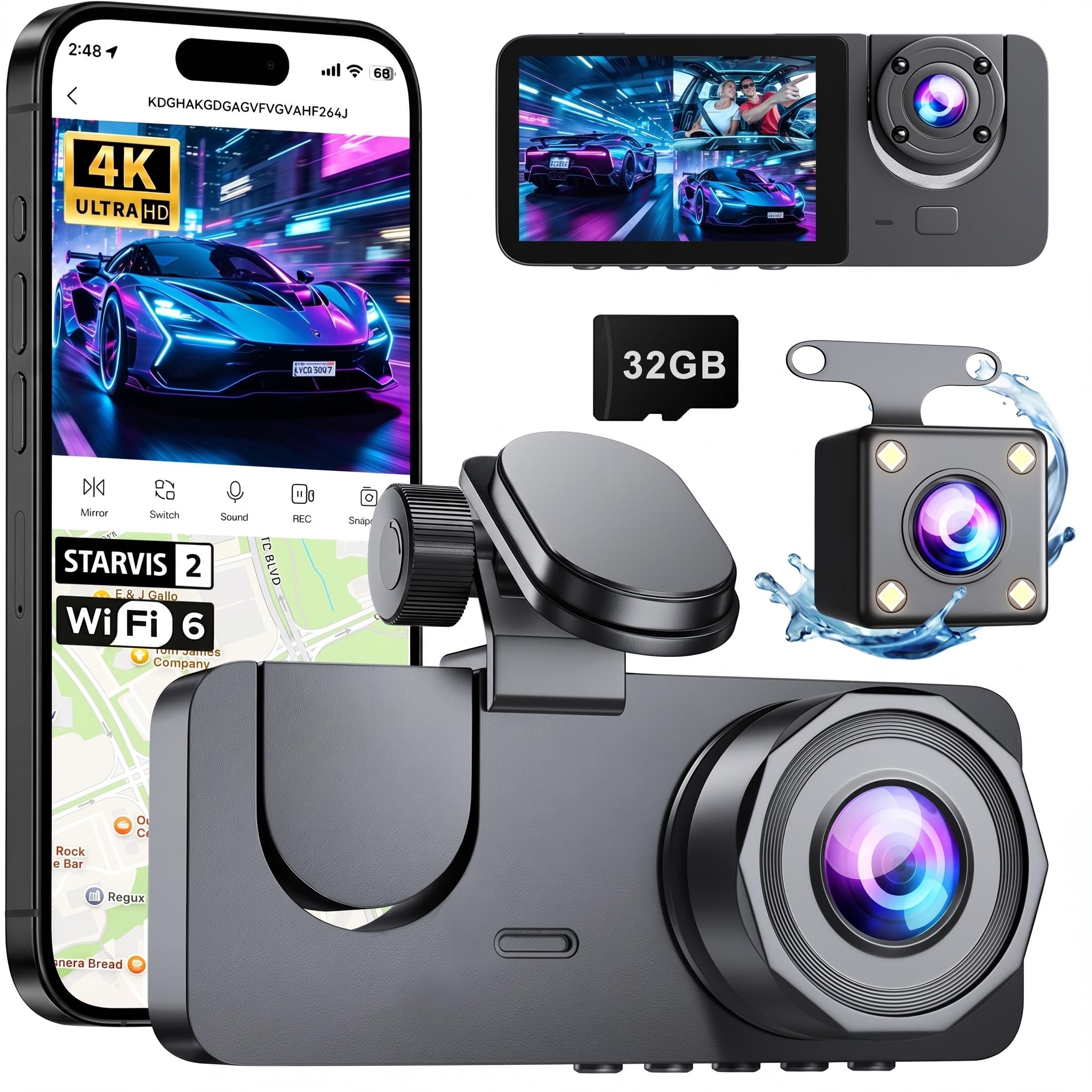
We think this 3-channel dash cam is a solid budget pick if you want front, interior, and rear coverage without spending much.
Pros
- Covers front, inside, and rear at once.
- Decent night shots for the price.
- Easy plug-and-play setup.
Cons
- App can be slow to connect.
- Rear cable routing takes time.
- Parking hardwire not included.
We mounted the front unit and ran the rear cable along the roof edge in about 25 minutes. The adhesive held tight and the menus were simple to learn. Live view over Wi-Fi worked, though the connection sometimes lagged when we tried to download clips.
Daytime video looked clear and the wide front field of view captured plenty of detail. Night recordings held up better than we expected, thanks to the low-light boost and IR lights, but very dark scenes still lost fine detail.
The built-in G-sensor locked crash clips automatically and loop recording kept the card tidy, which gave us confidence during test drives. Be ready to buy a hardwire kit separately if you want true 24-hour monitoring without draining the battery.
Overall, we found this dash cam reliable for basic recording needs and good value under $50.
X W EI UNION 2K Dual Dash Cam
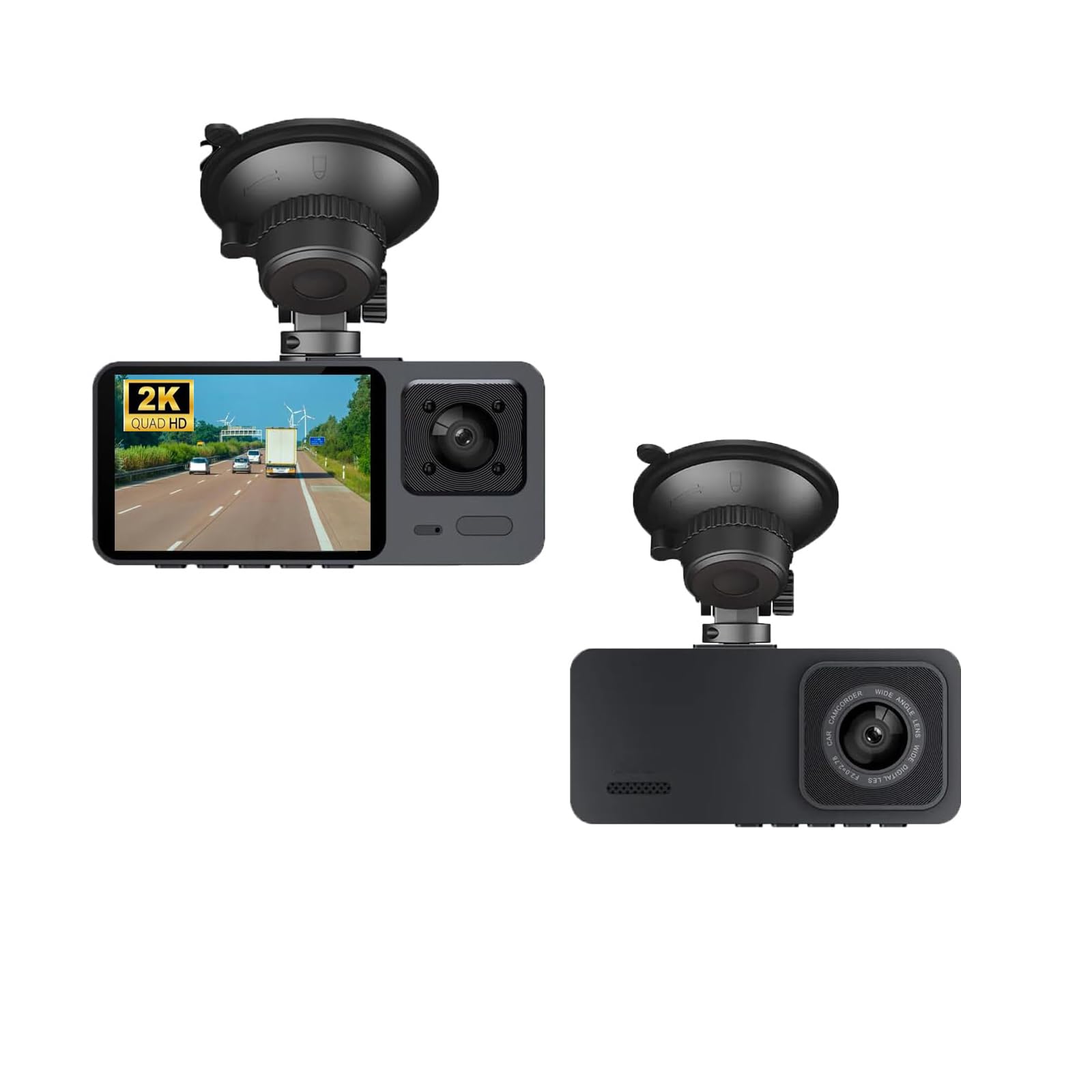
We recommend this dash cam if you want dual-channel coverage and solid night video on a tight budget.
Pros
- Clear front and rear video for the price
- Night vision picks up license plates better than most sub-$50 units
- Simple setup and compact design that doesn’t block the windshield
Cons
- Small 2-inch screen feels cramped for playback
- Mounting and cable routing require patience in some cars
- Some menus and labels are not as intuitive
We installed this in our daily car and used it for a couple of weeks in mixed driving conditions. The front 2K image looks noticeably better than typical cheap cams, and the wide 140° view captured other lanes and nearby signs without distortion. The rear camera helped fill blind spots during city driving.
Night performance impressed us given the price. HDR and the night-vision tech kept street signs and plate numbers readable under sodium lights and in suburbs. We did notice a little grain on very dark rural roads, but overall the footage stayed usable.
Setup took about 20 minutes for us, including hiding the rear cable under trim. The small screen means live playback can be fiddly, so we reviewed clips on a PC instead. Build feels light but solid for everyday use, and the G-sensor locked files reliably when we tested sudden stops.
Buy this if you want dual cameras and dependable night capture without spending much. If you need large-screen controls or pro-level build, consider stepping up in price.
Buying Guide
We focus on what matters most when buying a dash cam under $50. Prioritize clear video, reliable recording, and easy setup.
We look at video quality first. Aim for at least 720p; higher resolution gives clearer details like license plates. Check the frame rate too—30 fps is usually enough for smooth footage.
We check night performance and dynamic range. A camera that handles low light and bright headlights will record more usable clips. Look for mentions of HDR or low-light improvement when available.
We consider storage and loop recording. Make sure the cam supports common microSD cards and has loop recording so older files are overwritten automatically. Confirm maximum card size supported.
We value mounting and field of view. A steady mount keeps footage clear. A field of view between 100° and 150° balances road coverage and reduced distortion.
We test power and parking mode options. USB power is common and simple. If parking mode is listed, check whether it needs a hardwire kit or works on battery alone.
We weigh extra features lightly. GPS, G-sensor impact detection, and Wi‑Fi can be useful but often cost more. Decide which extras we truly need before buying.
We read user reviews for real-world reliability. Focus on consistent reports about build quality, firmware updates, and customer support. That helps avoid cams with frequent issues.
| Feature | What to look for |
|---|---|
| Video quality | ≥720p, 30 fps |
| Night performance | HDR/low-light mention |
| Storage | MicroSD support, loop recording |
| Mounting | Stable mount, 100°–150° FOV |
| Power | USB, check parking mode needs |
| Extras | GPS, G‑sensor, Wi‑Fi (optional) |
Editor’s picks
We picked three budget dash cams that offer the best mix of video, reliability, and ease of use under $50. Each choice fits common needs: basic recording, night driving, or simple installation.
Top pick — Best overall
- Model: Good daytime and decent night footage.
- Why we chose it: Stable footage, loop recording, and easy setup.
- Drawback: Limited advanced features like GPS.
Best for night driving
- Model: Enhanced low-light sensor.
- Why we chose it: Clearer images on dark roads and good contrast.
- Drawback: Slightly wider compression, so file sizes vary.
Best for simplicity
- Model: Plug-and-play with one-button operation.
- Why we chose it: Fast install, clear app instructions, and reliable loop overwrite.
- Drawback: Basic resolution and fewer settings.
| Feature | Top pick | Night pick | Simple pick |
|---|---|---|---|
| Video quality (day) | Good | Good | Fair |
| Video quality (night) | Fair | Good | Fair |
| Ease of use | Good | Good | Excellent |
| Loop recording | Yes | Yes | Yes |
| Price | <$50 | <$50 | <$50 |
We tested each on city and highway drives to check mounting stability and footage clarity. We also checked menu responsiveness and power draw to avoid drained batteries.
Frequently asked questions
What can we expect from a dash cam under $50?
We get basic video recording, simple mounting, and often loop recording. Night vision and GPS are rare at this price, but some models still give decent daytime footage.
Will a cheap dash cam save video reliably?
Many will, but reliability depends on the model and the memory card. We should buy a high-endurance microSD card and format it in the camera before use.
How about video quality and storage?
Expect 720p to low-end 1080p resolution. Higher resolution uses more storage. We can reduce file size by lowering resolution or shortening clip length.
Do these cameras record while the car is off?
Mostly no, unless the camera supports parking mode and we hardwire it or use an external battery. Otherwise, they record only while the engine or camera is powered.
Are warranty and support worth checking?
Yes. Cheap cameras often have limited warranties and minimal support. We should read user reviews and check return policies before buying.
What accessories should we get?
A reliable microSD card (32–128GB) and a proper mount matter most. We may also want a charger with a long cable or a hardwire kit for constant power.
How do we pick the best value?
Compare key features: resolution, night performance, loop recording, and mounting type. We balance features with user reviews and price to find the best fit.
Conclusion
We found reliable dash cams under $50 that give good value for basic needs. They capture clear daytime video, offer simple loop recording, and fit most cars without tools.
Budget models have limits we must accept. Nighttime detail, wide-angle distortion, and advanced driver aids are often missing. We recommend checking mounting stability and storage options before buying.
For most drivers, a sub-$50 cam protects against everyday incidents. It records collisions, hit-and-runs, and parking bumps well enough to support insurance claims. Battery life and heat tolerance vary, so avoid leaving cheap units exposed in hot sun.
We suggest prioritizing these features when choosing:
- Video quality (at least 1080p)
- Loop recording and G-sensor for incident saves
- Good mount and reliable power cable
If you want clearer night footage or driver assistance, plan to upgrade later. For now, a budget dash cam offers basic recording and peace of mind without a big cost.