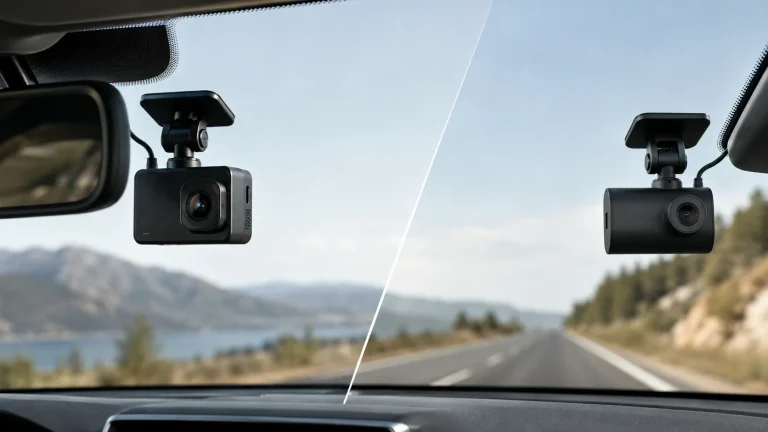
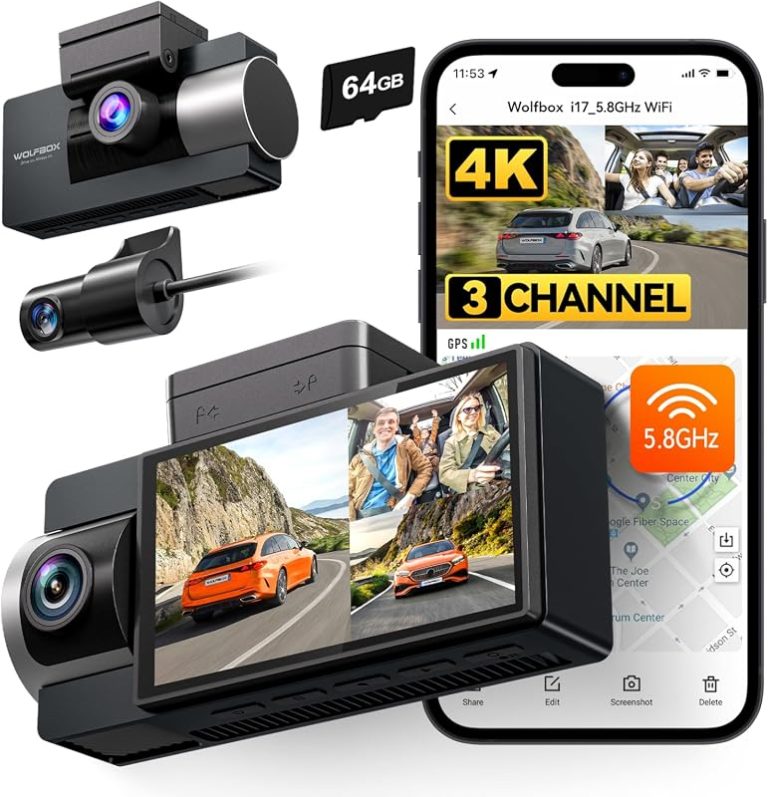
8 Best Budget Dash Cams Under $100: Top Affordable Models for Reliable Road Recording

Dash cams record what happens on the road so you have clear evidence after an accident, theft, or strange event. Many drivers want a simple, reliable recorder that won’t cost much, and budget dash cams under $100 now offer decent video, basic parking modes, and easy setup without extra subscriptions. We focus on models that balance video clarity, ease of use, and dependable performance for everyday driving.
The most important things to check are video resolution and night performance, mounting stability, loop recording and loop length, and reliable power options like hardwiring or a solid cigarette-lighter adapter. Good video in daytime and at night, a secure mount, and automatic loop recording are the features that matter most when buying a budget dash cam. We tested and compared several affordable models to find the ones that give clear footage and simple operation without hidden costs, so you can pick a camera that fits your needs and your car.
8 Best Budget Dash Cams Under $100
Below is our full list of the best budget dash cams under $100. We tested options for video quality, ease of use, and reliability to help you pick a solid, affordable camera. Our picks focus on clear footage, simple setup, and value for money.
Veement V300 1296P Dash Cam

We recommend this if you want a low-cost dash cam that records clear daytime video and has useful app features.
Pros
- Sharp 1296P daytime video and wide 170° view.
- Easy Wi‑Fi app access for live preview and downloads.
- Compact, discreet design that mounts cleanly.
Cons
- Night detail is good but not as crisp as pricier models.
- Requires constant USB-C power and no internal battery.
- Some phones have trouble connecting to the app.
We installed the V300 and used it for several weeks around town. Setting it up was quick: attach to the windshield, route the long USB‑C cable, and pair the camera with the VeeCar app. The live view and clip downloads worked well most of the time, which made grabbing footage fast.
On clear days the 1296P footage captured lane markings and license plates at moderate distances. The wide-angle lens kept multiple lanes in frame, so we rarely missed incidents happening beside us. Low-light shots stayed usable thanks to the F1.7 aperture, but close-up night details could blur compared with higher-end cams.
We tested parking mode and loop recording during short stops. The camera handled loop overwrites smoothly and saved events when the G-sensor triggered. Be ready to buy a microSD card separately and hardwire if you want full 24/7 coverage, since it needs constant power and avoids an internal battery for safety.
Overall, the V300 feels like a practical budget pick for drivers who want reliable daytime video, app control, and a small footprint without spending much.
E-YEEGER S50 2.5K Dual Dash Cam
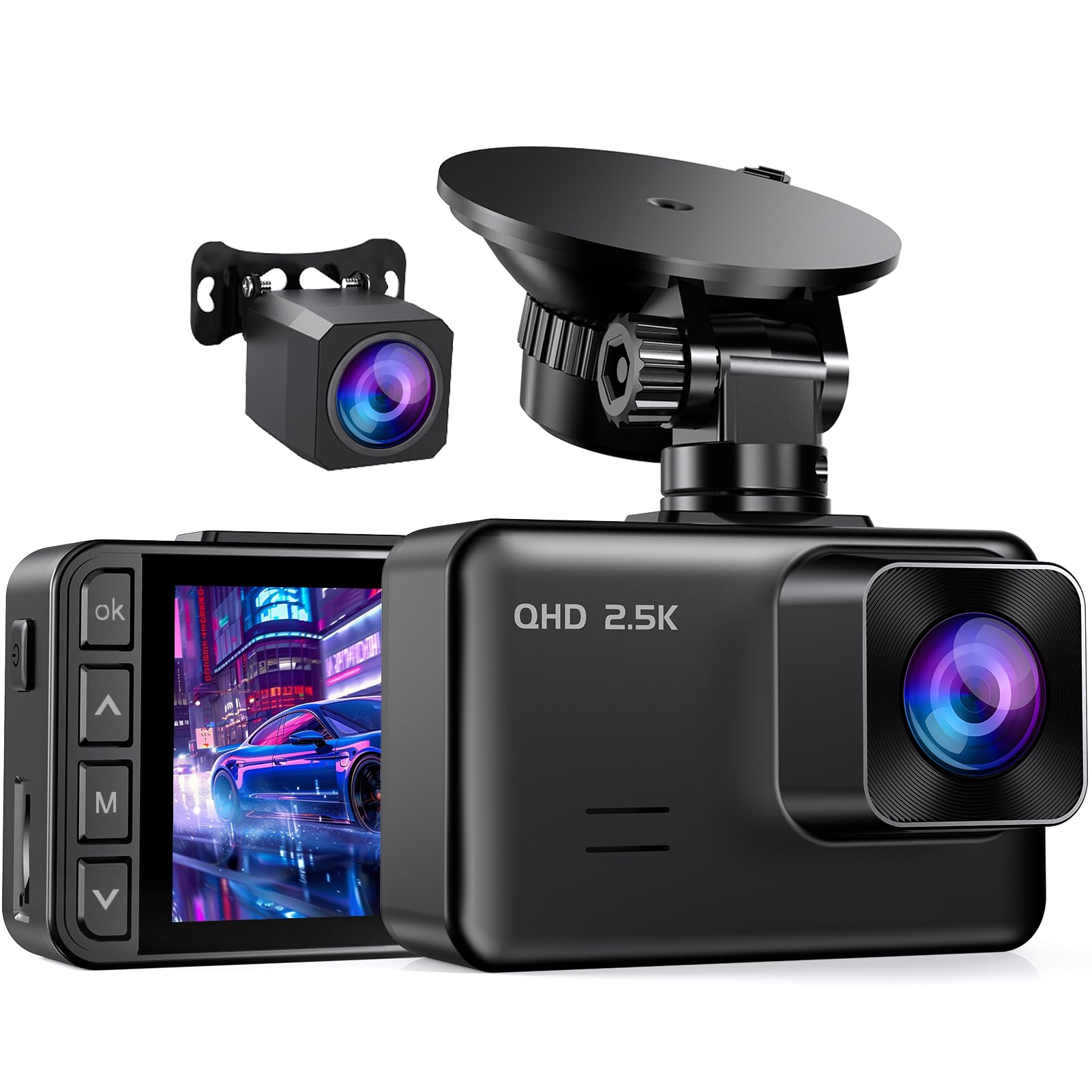
We recommend this if you want solid video and night performance without spending over $100.
Pros
- Sharp front footage and good low-light clarity.
- Easy install and flexible suction mount.
- Simple menu and reliable loop recording.
Cons
- Small 2″ screen can be hard to view while parked.
- Parking mode needs a hardwire kit (not included).
- Occasional screen-saver shuts the display off by default.
We took this unit on several drives and liked the daytime detail from the 2.5K front camera. Street signs and license plates came through clearer than other budget cams we’ve tried. The rear 1080P view filled blind spots well.
Night driving impressed us more than we expected. The starlight sensor and wide lens kept headlights and shadows balanced. Footage wasn’t flawless in very dark alleys, but the overall clarity made nighttime incidents easier to read.
Setup felt familiar and quick. The suction cup rotated and held steady, and the menu guides made basic settings easy. We missed an included hardwire kit and found the tiny screen awkward for frame checks, but playback on the phone app solved that.
For daily drivers who want dependable footage and solid night vision on a tight budget, this is a sensible pick.
Galphi Q2 4K Dash Cam
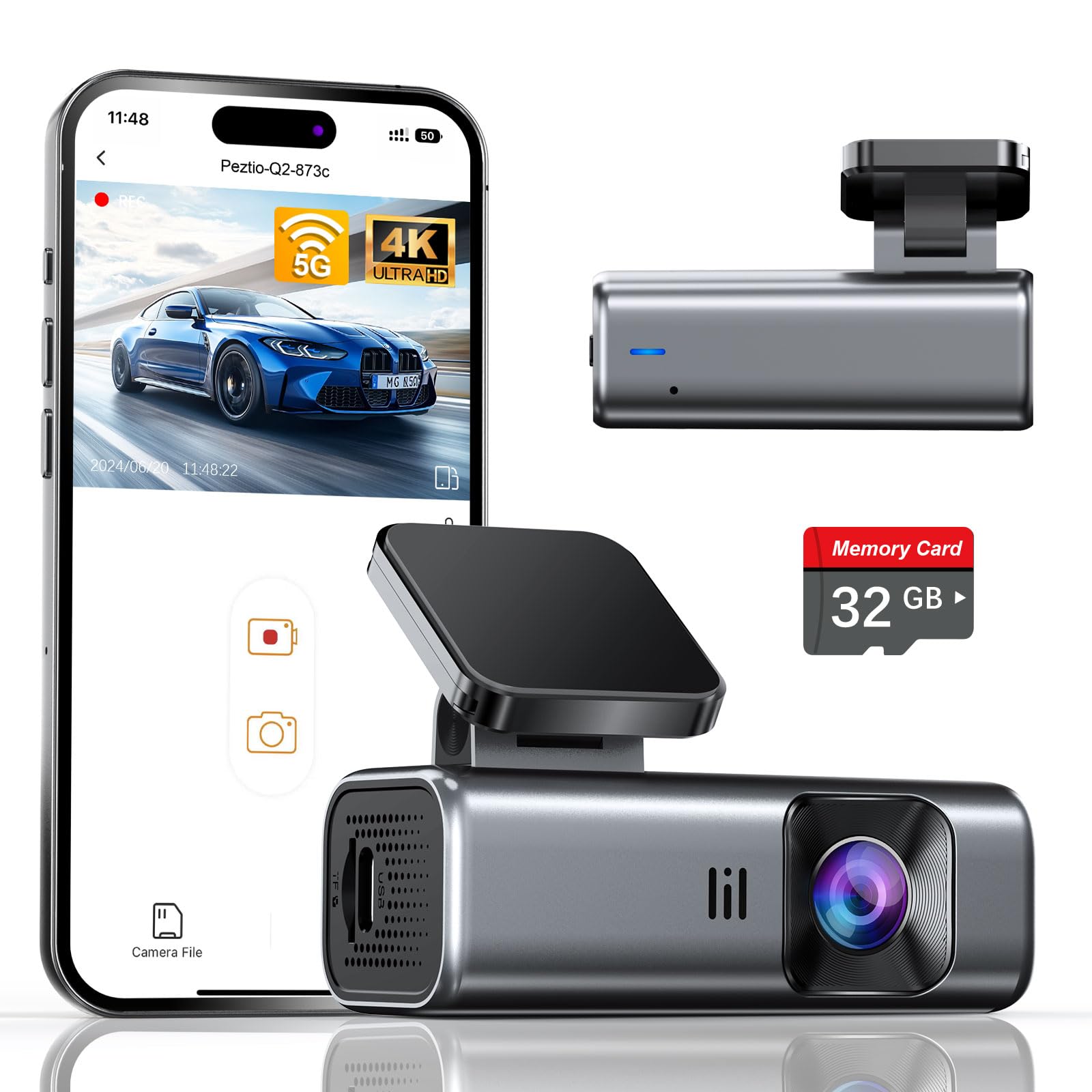
We recommend this if you want a compact 4K dash cam with solid night performance and a ready-to-use memory card for under $100.
Pros
- Sharp 4K footage that catches license plates and signs.
- Built-in 5GHz WiFi makes phone downloads fast.
- Comes with a 32GB card so it works right away.
Cons
- No screen means you must use the app to review footage.
- Parking mode needs a hardwire kit (not included).
- 32GB may fill up quickly if you record a lot.
We installed the Galphi Q2 in minutes and liked how small it sits behind the rearview mirror. It stayed out of sight and didn’t block our view. The adhesive mount held tight and cable routing was easy with the trim tool.
Recording on sunny drives looked very detailed. Moving cars, signs, and plate numbers came through clean in daytime clips. At night the footage stayed usable; the F/1.6 aperture and WDR balanced dark streets better than many budget cams we’ve tried.
Using the app over 5GHz WiFi felt noticeably quicker when downloading files to our phone. We still had to connect and tap through menus, but transfers finished faster than older 2.4GHz models. Without a screen, though, we relied on the app to check angles and playback.
Parking mode worked as advertised once we hardwired it for low power draw, but that adds cost and an install step. The included 32GB card was a welcome touch for out-of-the-box use, yet heavy users may want a larger card for longer retention.
Overall, we found the Galphi Q2 gives high-resolution video and useful features for the price, especially if you want fast WiFi and good night clarity without spending much.
70mai M310

We recommend this if you want clear daytime video and simple app control on a tight budget.
Pros
- Sharp 1296p footage that shows plates and signs at close range.
- Small, well-built unit that installs quickly with the included pads.
- App and Wi‑Fi make downloading clips easy without removing the card.
Cons
- No screen on the unit, so setup and playback depend on your phone.
- Parking features need a separate hardwire kit to work reliably.
- Some phones had connection trouble until firmware or app updates.
We used the M310 for daily commutes and a weekend road trip. Daytime clips looked crisp and license plates were readable at typical distances. Low‑light shots improved with WDR, but night detail still falls short of pricier models.
Installation took about 10–15 minutes with the adhesive pads. The camera stays tucked behind the rearview mirror and feels solid. We liked the compact build, though checking settings requires the phone app since there’s no display.
The app handled quick downloads and let us trim clips before saving. Parking monitoring is a useful idea, but we had to buy the hardwire kit for true 24‑hour surveillance. If you need a simple front dash cam that records clear road footage without breaking the bank, this one does the job.
SUVCON J06 Triple Dash Cam
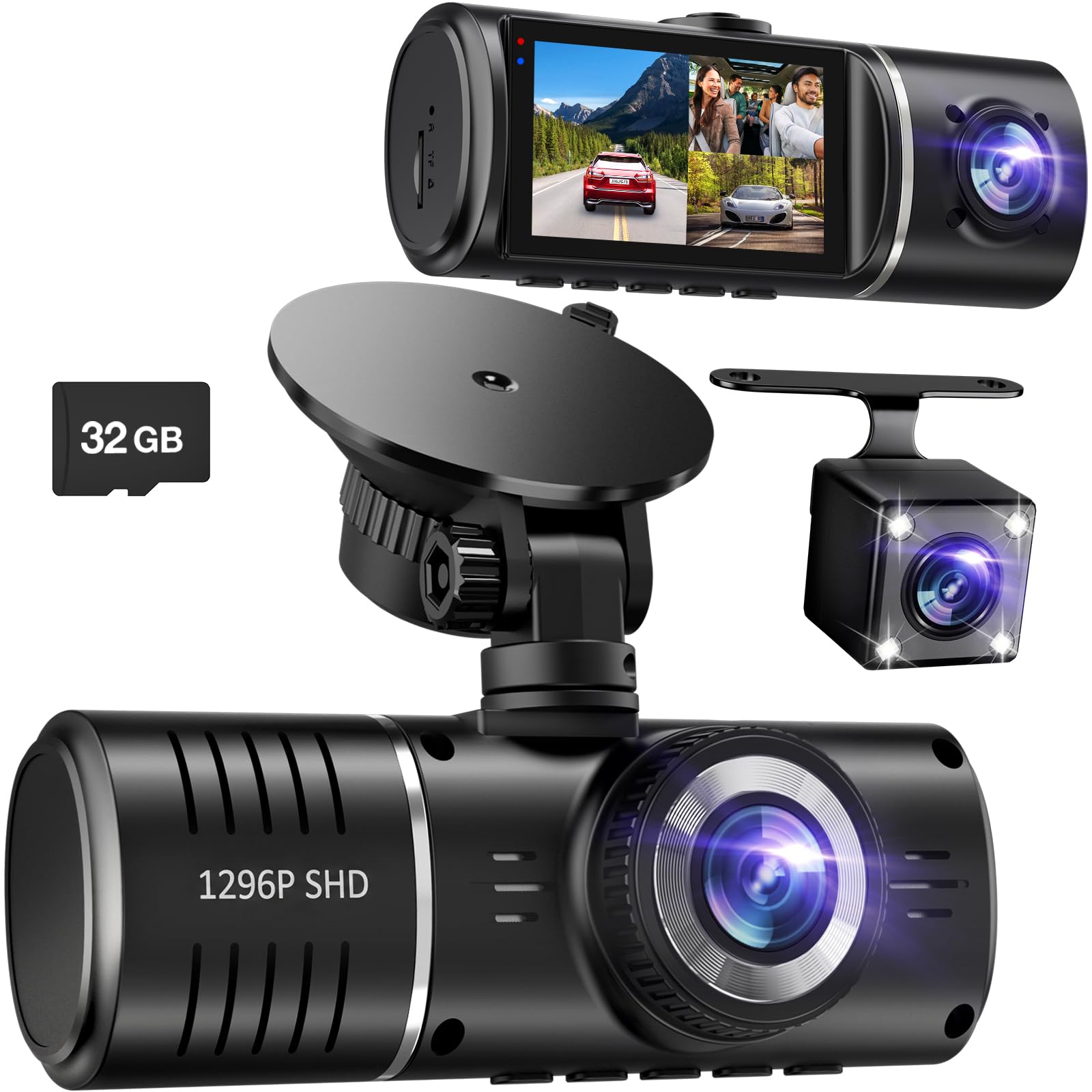
We recommend this dash cam if you want three cameras and solid night footage on a tight budget.
Pros
- Wide coverage with front, cabin, and rear cameras.
- Good night vision and clear front video.
- Easy to install and comes with a 32GB card.
Cons
- Sometimes asks to format the SD card when full.
- Inside camera can be dim or black-and-white in low light.
- No app or Wi‑Fi for easy file transfer.
We mounted this unit quickly and started recording within minutes. The front view looks sharp during daytime driving and HDR helps balance bright and dark spots. The included cables are long enough to route to a rear camera without guessing.
We tested the cabin and rear feeds at night. The cabin camera’s infrared lights pick up shapes and faces but lack color in very low light. The rear camera is useful for backing and recording traffic, though detail falls off at distance.
Loop recording and G-sensor worked when we triggered hard braking. Still, when the card filled, the camera once froze and asked to format, which interrupted recording until we cleared it. Transferring files to a computer felt clunky because there’s no wireless option.
Overall, this offers strong value for under $100 if you want three-camera coverage and solid front recording, but expect some quirks with the inside camera and file handling.
Undersary 3-Channel Dash Cam
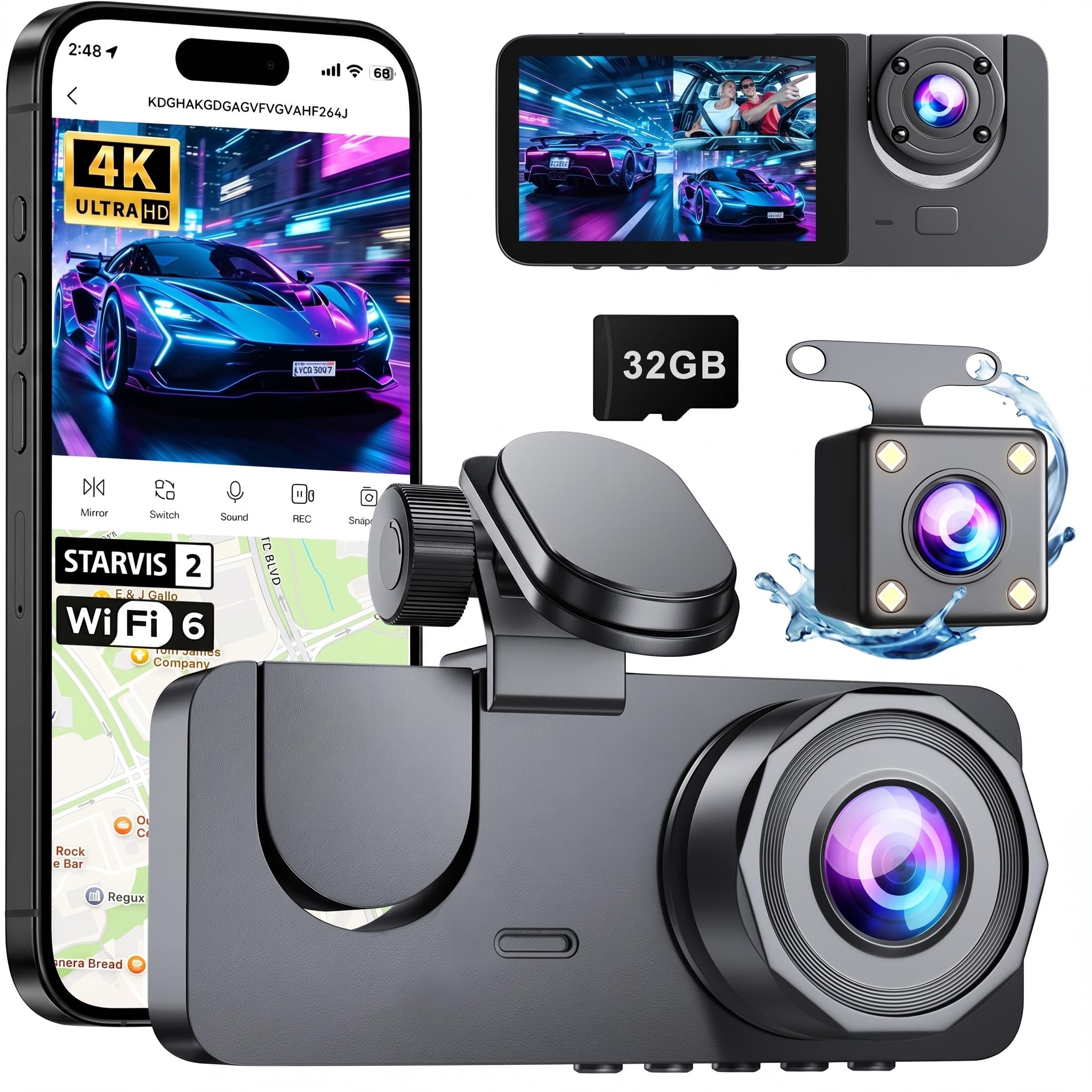
We think this 3-channel dash cam is worth buying if you want full coverage under $100 and easy setup.
Pros
- Records front, interior, and rear at once for full coverage.
- Night video stays clear thanks to WDR and infrared lights.
- App and Wi‑Fi make viewing and downloading simple.
Cons
- The rear cable routing takes time and care to hide.
- Parking mode needs a separate hardwire kit to work.
- Screen is small and menus can feel cramped.
We mounted the front camera on our windshield in minutes and hid the rear cable along the headliner like most installs. The image looked sharp in daylight and handled bright sun without losing detail.
We tested night captures and found the interior and rear views usable thanks to the infrared boosts. The app streamed live to our phone quickly, which made checking clips and changing settings easy.
We triggered the G-sensor in a low-speed bump and the unit saved the event automatically, which gave us confidence the important clips stay protected. If you want continuous parking recording, plan to buy the hardwire kit separately.
ZMOPO 360 View 4-Channel Dash Cam

We recommend this if you want full vehicle coverage for under $100 and don’t mind a bit of setup to get parking power and GPS options working.
Pros
- Covers front, rear, sides, and interior for true 360-degree views.
- Clear daytime and decent night footage thanks to WDR and IR lights.
- Built-in Wi‑Fi makes pulling clips to our phone quick and easy.
Cons
- Requires extra hardwiring for reliable 24-hour parking mode.
- App works, but pairing can be clunky at first.
- Four cameras add wiring complexity during install.
We installed this in a small SUV and felt safer with the full coverage. The rotating interior camera helped us capture both road events and passenger activity without moving the unit.
Putting the system together took longer than a single-cam unit. We fed wires to the hatch and routed side cameras, so expect a careful install or professional help for a neat job.
Once running, video quality impressed for the price. Daytime clips looked sharp, and night shots kept usable detail. The time-lapse parking feature saved card space during long idle periods.
Using the app over 5GHz Wi‑Fi let us grab incident clips fast. Pairing stalled once, but reconnecting worked and downloads were quick on our phone.
If you need GPS logging or constant parking power, plan to buy the separate GPS logger and hardwire kit. We liked the feature set for the money, but true 24/7 protection needs those extras.
BAEASU J07 3-Channel Dash Cam
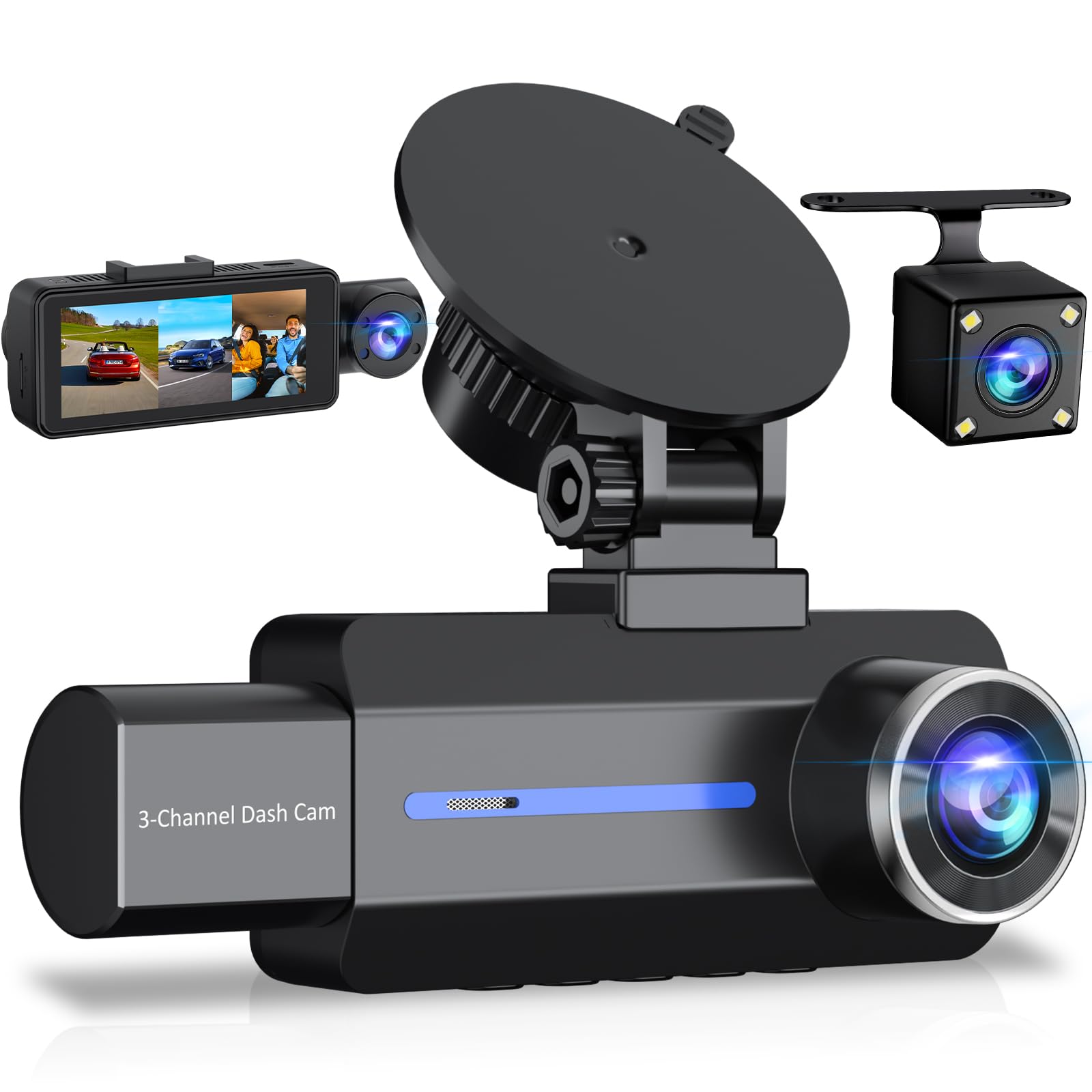
We recommend this if you want a cheap three-camera setup that records clear daytime video and basic parking footage, but you should expect some quirks with cards and night capture.
Pros
- Sharp 2.5K front video that shows plates and signs well.
- Easy to mount and largely plug-and-play for daily driving.
- Built-in cabin IR lights help capture interior detail in low light.
Cons
- Night exterior video can be inconsistent away from street lighting.
- Supplied 32 GB card may not be reliable; you might need a better microSD.
- Parking mode needs a hardwire kit for truly 24/7 monitoring.
We tested the BAEASU J07 on city streets and on longer trips. Daytime footage looked crisp and gave us a clear view of license plates and traffic signs. The wide 170° lens made lane incidents easy to see without weird distortion.
Inside the car, the four IR lights made a real difference at night. We could read faces and cabin activity in darker conditions. Still, exterior night shots lost some detail unless a streetlight was nearby.
Installation felt straightforward. The suction mount and tidy wiring made setup quick, and the touch screen is simple to use. We did swap the included microSD for a higher-quality card because the camera stuttered with the one inside the box.
The G-sensor and loop recording worked as expected during hard braking and sudden stops. For parking protection, the time-lapse mode keeps files small, but you’ll want the ACC hardwire kit if you need continuous surveillance while parked.
Overall, this camera gives a lot for the price if you accept small trade-offs like occasional night limits and the need for a better SD card.
Buying Guide
We focus on features that matter for dash cams under $100. Decide what you need first: basic recording, night clarity, or parking mode. Knowing this helps us pick a model that gives the most value.
We look at video resolution and frame rate. Higher resolution (1080p) and at least 30 fps give clearer footage. Check sample clips or tests when possible to confirm real-world quality.
We check night performance and lens quality. A wide aperture and good sensor improve low-light recording. Avoid models that blur or wash out headlights at night.
We consider mounting and field of view. A stable mount and 120–160° view capture most scenes without too much distortion. Make sure the design fits your windshield and doesn’t block your view.
We pay attention to power and parking features. Look for constant power support or hardwiring options if you want parking surveillance. Motion or impact-triggered recording helps conserve battery and storage.
We evaluate storage and file management. Choose cams that support common microSD sizes and has loop recording with overwrite. Check whether the camera protects event files from being overwritten.
We value simple interfaces and reliable warranty support. Easy setup, clear menus, and firmware updates matter. Prefer units with clear instructions and responsive customer support.
We compare price against the feature list. Prioritize features we use most and avoid paying for extras we won’t need. Use reviews and test footage to confirm claims before buying.
Editor’s picks
We chose models that give the best value under $100. Each pick balances video quality, reliability, and ease of use.
Top all-around pick
We recommend a model with 1080p daytime video and reliable parking mode. It records clear footage and has a simple menu.
Best for night driving
We picked a dash cam with good low-light performance and WDR. It reduces glare and keeps license plates readable at night.
Best compact option
We selected a small, low-profile camera that hides behind the rearview mirror. It offers steady 1080p video without blocking your view.
Best for beginners
We chose an easy-to-install unit with a clear app and simple controls. It uses a microSD card and includes loop recording.
| Feature | Why it matters |
|---|---|
| 1080p recording | Clear daytime footage for evidence |
| WDR / low-light | Better night and contrast handling |
| Parking mode | Records incidents while parked |
| Compact design | Less distraction and easier install |
| Easy menu/app | Faster setup and playback |
We tested usability, video clarity, and the most useful features for daily driving. Our picks steer you to reliable choices that cost less than $100.
Frequently asked questions
We get asked the same things about budget dash cams a lot. Below are short answers to the most common questions.
- Do dash cams work in the dark?
Many budget models record usable night video. Image quality drops, but features like wide aperture or WDR help. - Will a dash cam drain my car battery?
It can if left on continuously. We recommend using a hardwire kit with low-voltage cutoff or a dedicated parking mode battery. - How much storage do we need?
For 1080p, a 32–64 GB microSD card gives several hours of footage. Loop recording overwrites old files automatically. - Are cheap dash cams reliable?
Some are reliable for daily use. We look for steady reviews, good warranty, and firmware updates when choosing models. - Can dash cam footage be used as evidence?
Yes, police and insurers often accept recordings. Time, date, and GPS metadata help prove authenticity. - Do we need GPS?
GPS adds speed and location data. It’s useful but not essential for basic video capture. - How do we mount and position a dash cam?
Mount it near the rearview mirror for an unobstructed view. Keep the lens clean and avoid blocking airbags. - What about audio recording laws?
Laws vary. We advise checking local rules before recording in-cabin audio.
Quick tips:
- Use a reliable SD card rated for dash cams.
- Update firmware when available.
- Test settings in daylight and at night.
Conclusion
We picked dash cams that give the best mix of features, video quality, and ease of use under $100. Each option balances what matters most for daily driving: clear footage, reliable parking modes, and straightforward setup.
We recommend choosing based on how you drive. If you need night clarity, pick a camera with strong low-light performance. If you want simple installation and app control, choose a unit with easy Wi‑Fi pairing.
We also suggest checking for firmware updates and testing the camera before relying on it. Small steps like formatting the SD card and setting loop length improve reliability.
Below is a quick checklist to help decide:
- Video quality: 1080p or better for clear evidence.
- Parking features: Motion or impact detection if you park in busy areas.
- Ease of use: Simple menu and reliable app matter most.
- Mounting and power: Suction vs. adhesive and hardwire options.
We believe the right budget dash cam can protect us without costing much. Pick one that fits our driving habits and install it correctly so it works when we need it.